Shift Schedule: Without an Overtime Rule
🔍 Note
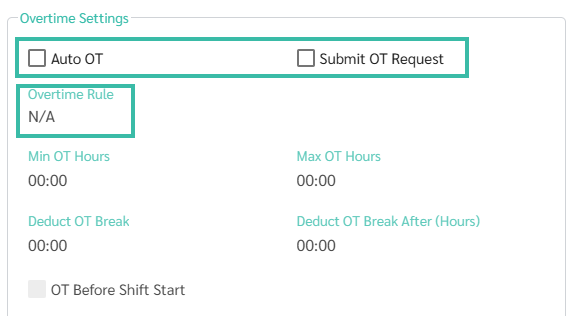
- In the Shift Schedule settings, you can choose whether to assign an Overtime Rule to the Shift Schedule.
-
To remove the assigned Overtime Rule, untick "Auto OT" and "Submit OT Request."
⚠️ Caution
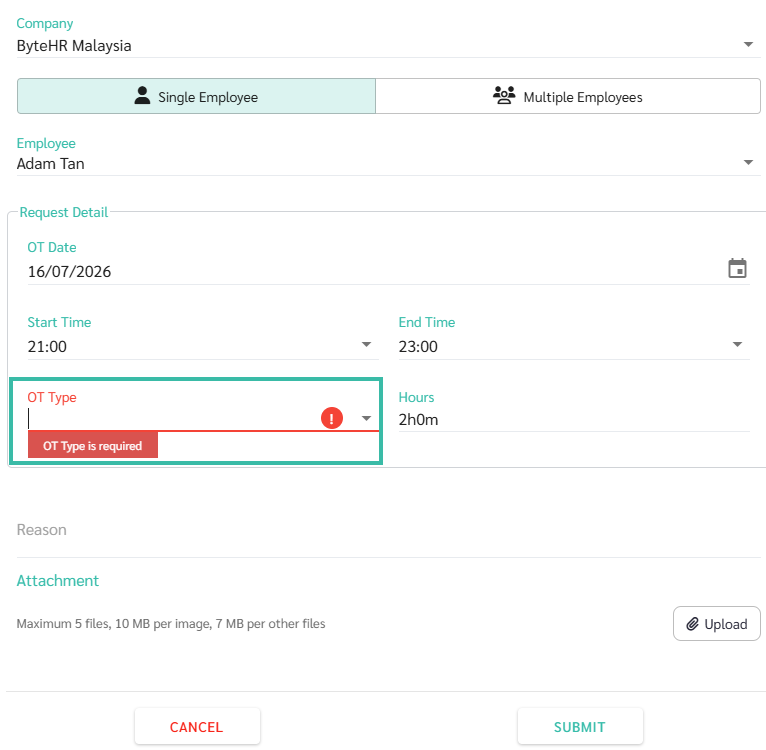
- If no Overtime Rule is assigned to the Shift Schedule, employees will not be able to submit Overtime Request.
-
The system will display the message "OT Type is required" when you attempt to Submit an Overtime request.
If an employee works Overtime without an Overtime Rule assigned to the Shift Schedule, the system will not calculate Overtime pay.
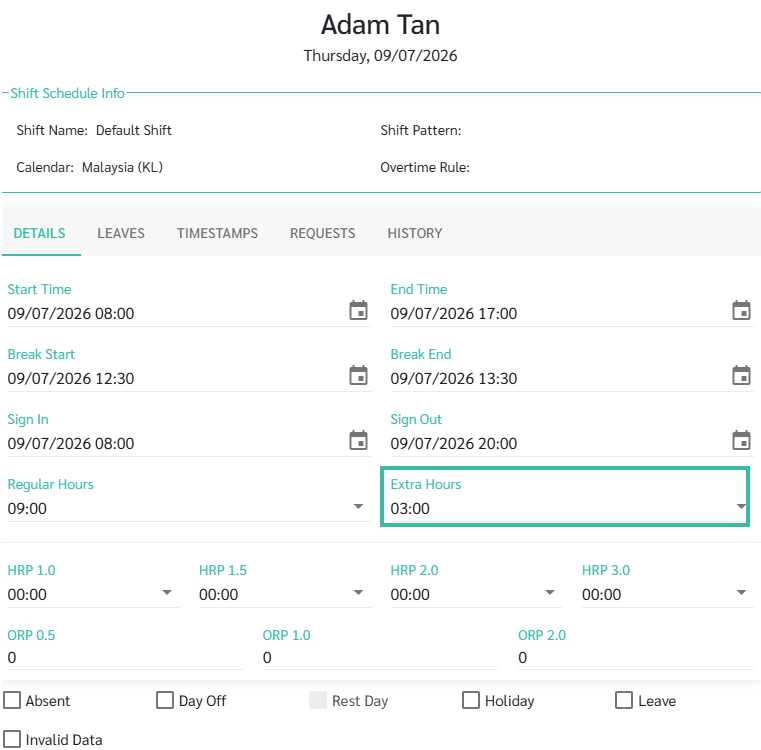
However, the system will still calculate the number of hours worked in excess of the regular work hours and display it in the "Extra Hours."
Example: The Timesheet of an employee working a shift without an overtime rules.