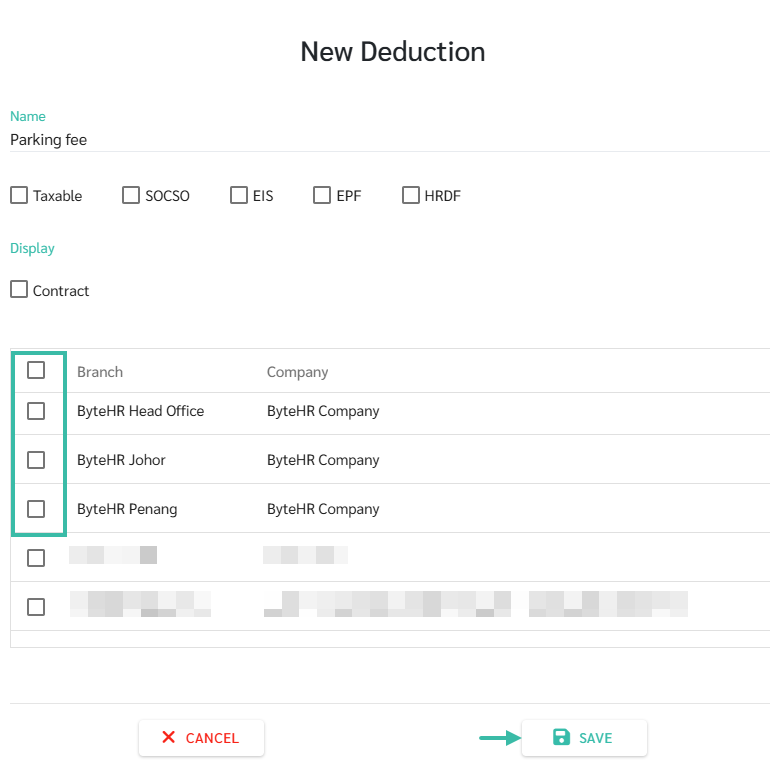
Adding New Deductions
To Add a Deduction Type, follow these steps:
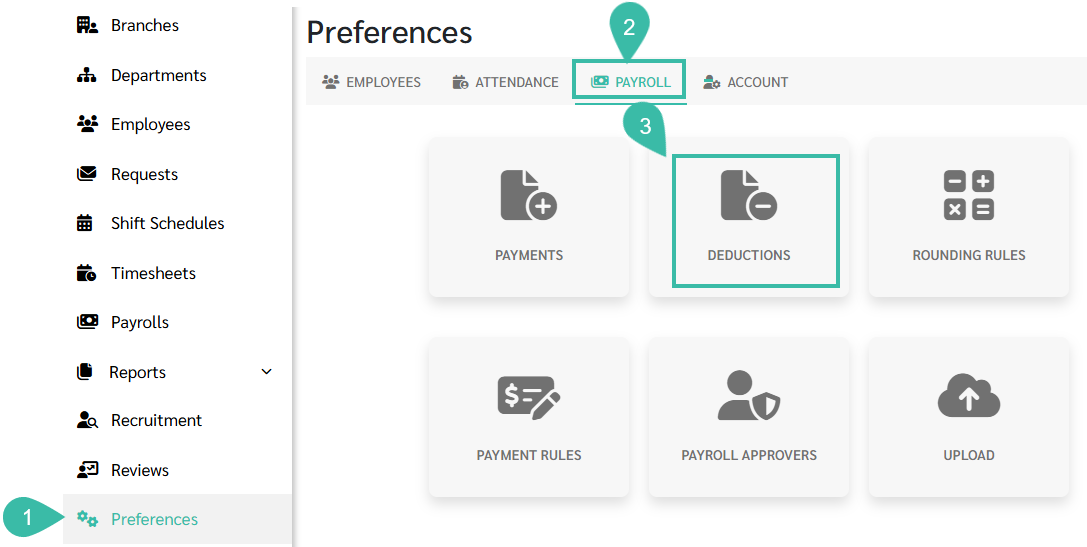
- Go to the Preferences tab.
- Select Payroll.
-
Click Deductions.
-
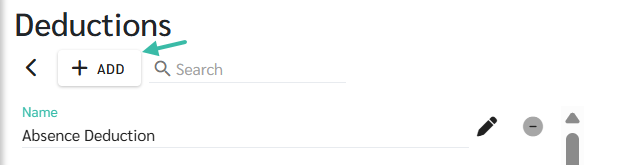
Click Add.
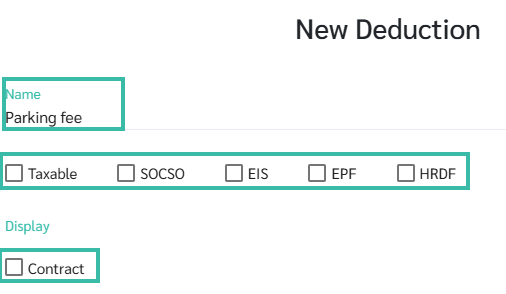
- Enter a name for the Deduction type.
- The Deduction name must not be the same as the income name.
- The deduction name must not contain special characters such as : etc.
- Specify the details of the deduction.
-
Taxable:
Is it deducted from income to calculate taxes?
-
SOCSO:
Is it deducted from Income to calculate SOCSO?
-
EIS:
Is it deducted from income to calculate EIS?
-
EPF
Is it deducted form income to calculate EPF?
-
HRDF:
Is it deducted from income to calculate HRDF?
-
-
Tick the Contact checkbox if you want this deduction type to appear in the Fixed Deduction options in the employee contract.
-
Select a Branch.
Branches that are not selected will not be able to add or upload this deduction type in the payroll process.
-
Click Save.