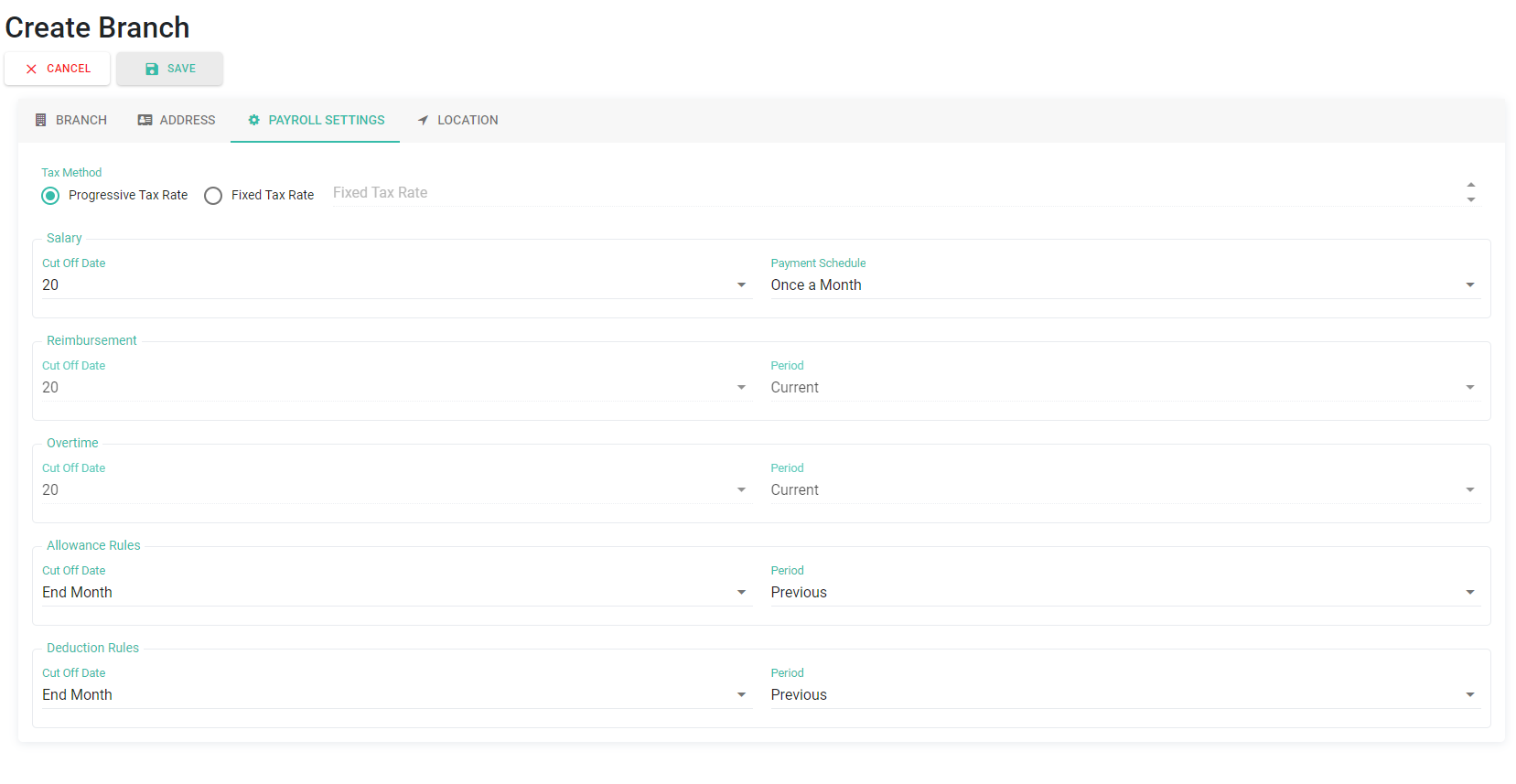
Set the Cut-Off Date for Allowance and Deduction Rules
Cut Off dates for the Allowance Rules and Deduction Rules can be configured by following the steps below:
- Go to Company / Branch tab.
-
Select the Company/Branch.

-
Go to Payroll Setting.
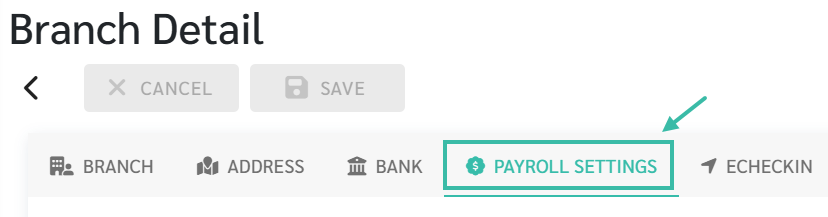
- Scroll down to Allowance Rules or Deduction Rules.
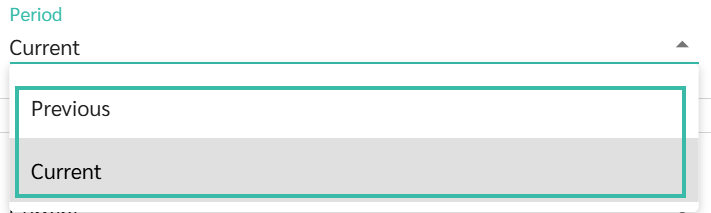
- Select the Period between
- Current Period
-
Previous Period.
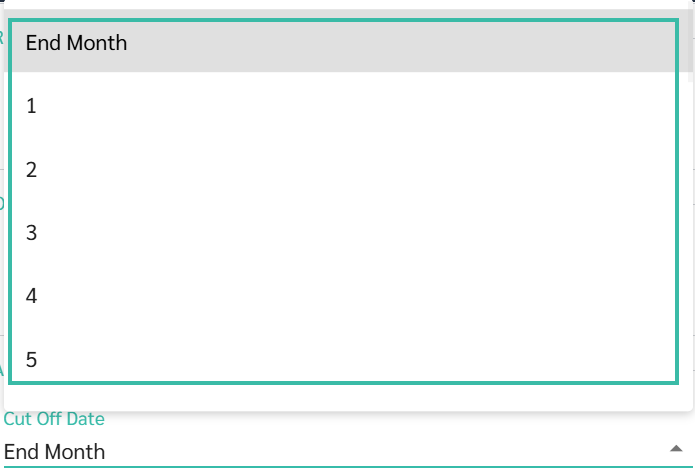
- Select the Cut-Off Date
-
e.g., the 1st, 2nd, 3rd, or End Month.
-
-
Click Save once completed.
- Example:
- Payroll Settings:
- Salary Cut Off Date = 20
- Payment Schedule = Once a Month
-
Allowance Rules:
Cut Off Date = End of Month
Period = Previous
-
Payroll Period - March 2025
Salary: March 21 - April 20, 2025
Allowance: Feb 1 - Feb 28, 2025
- Payroll Settings: