Create Training Topics
How to Create Training Topics
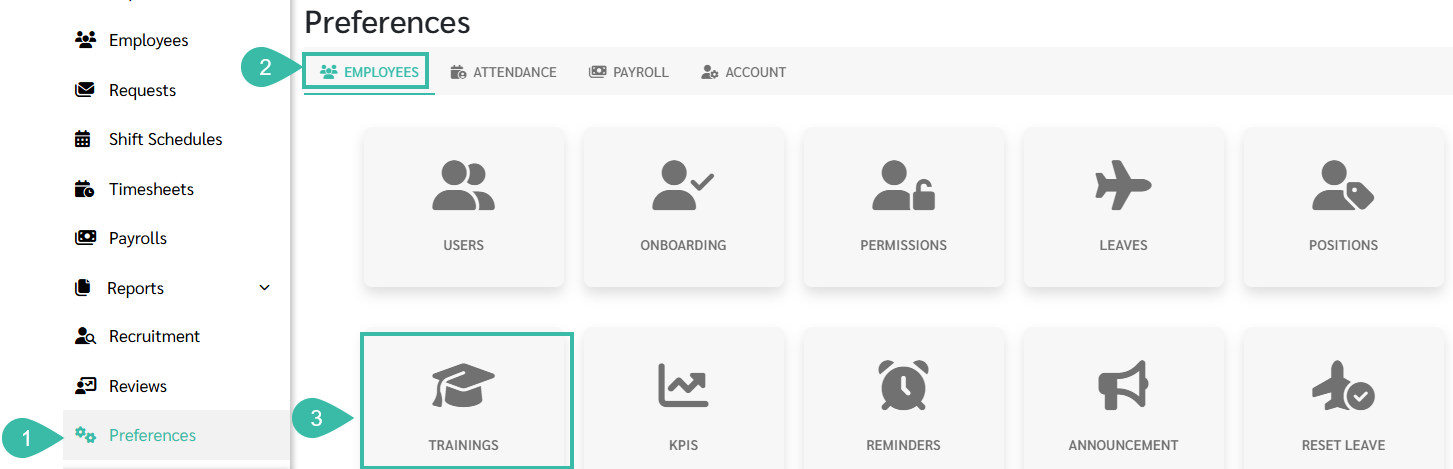
- Navigate to Preferences tab.
- Select Employees.
-
Click Trainings.
-
Click Add.

-
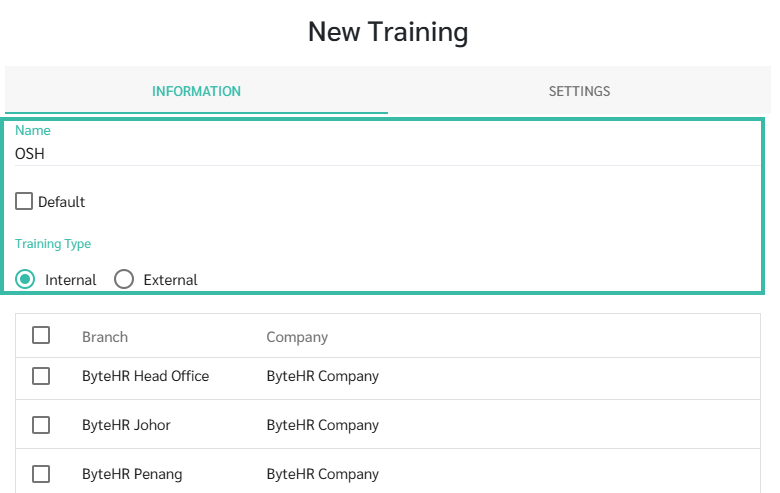
In the Name field, add the Name the training/seminar and select the Training type.
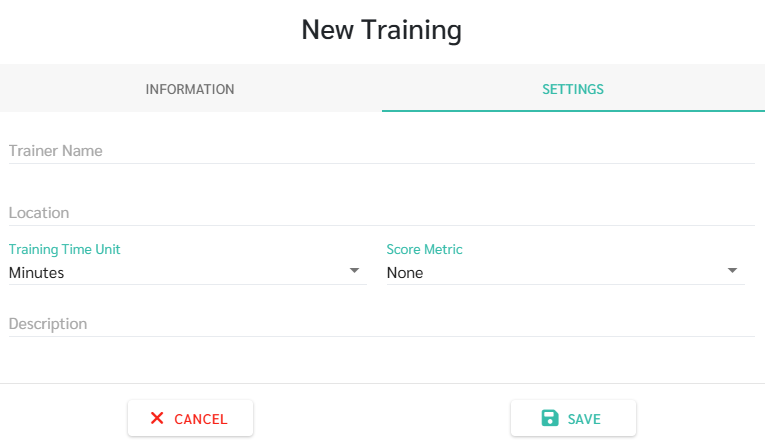
- In the settings tab, you can configure various details, including:
- Trainer's Name
- Training Location
- Training Time Unit: Minutes, Hours, Days, or Times.
- Score Metrics: None, Percentage (%), Pass/Fail, or Free Text.
- Description: To further describe the Training.
-
Finally, click Save.