
Leave Days based on Length of Service (Step Yearly)
How to Add Leave Allowance based on Length of Service
If you wish to add the number of leave days based on employee's years of service, follow the steps below:
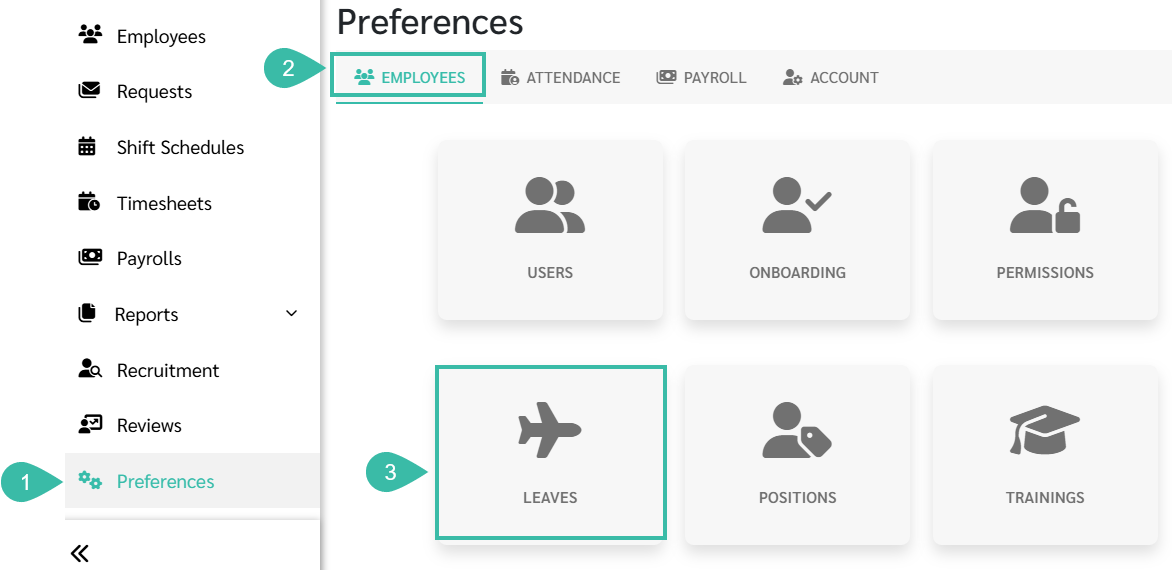
- Navigate to Preferences tab..
- Select Employees.
-
Click Leaves.
-
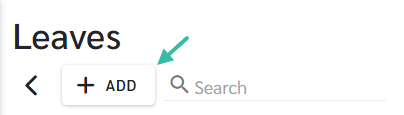
To create a new Leave Type, click + Add.
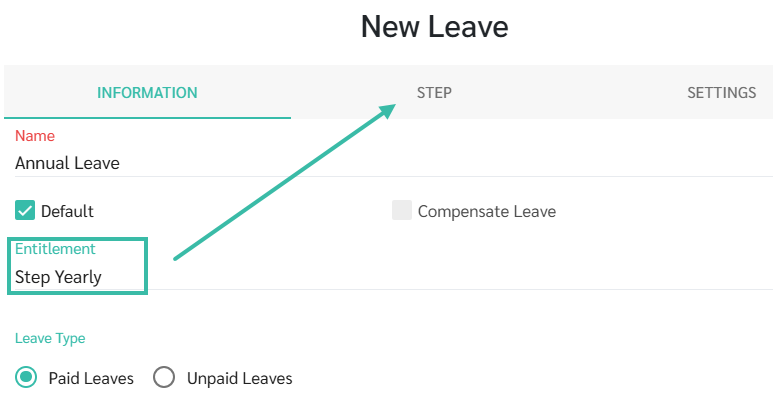
- Set the Leave Entitlement to be based on Step Yearly.
-
Go to the Steps tab.
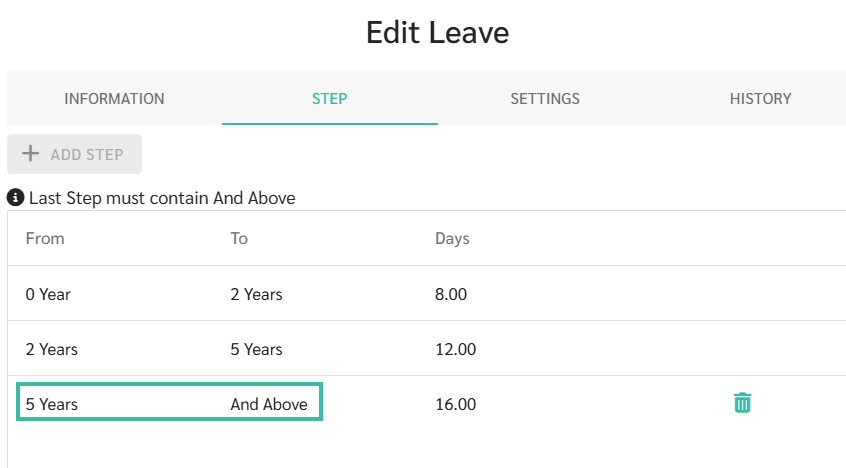
- Click Add Step, then define:
- The length of service, and
-
The number of Leave days entitled for each service tier.
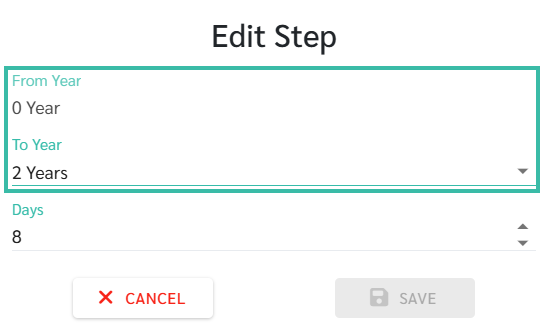
Note: The final Step must be set to "And Above".
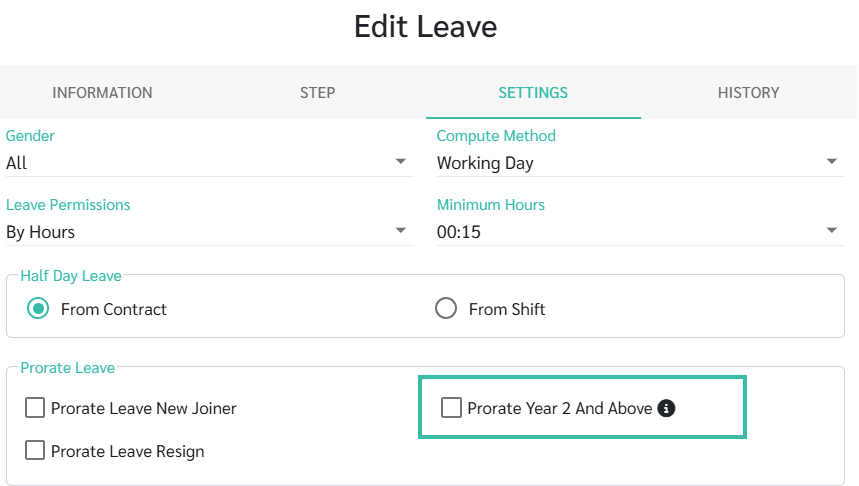
- Under the Settings tab, enable "Prorate Year 2 and Above" if you want the system to prorate Leave entitlement based on years of service from the second year onwards.
-
If this option is not enabled, employees will receive Leave entitlement based on the applicable tier on the leave reset date, rather than a prorated amount.
-
