
How to Submit Onboarding Form ***Add On***
Open the email received from ByteHR -> Click the link provided -> Redirects to the Onboarding Form page -> Fill in all the fields marked with an asterisk (*) -> Click Next after completing each section -> Click Submit
💬 Note
The New Employees will only receive the Onboarding Form via email after the admin sends the forms through the ByteHR system.
For Sending the Onboarding Form to New Joiner, refer to this LINK.
How to Fill in the Onboarding Form
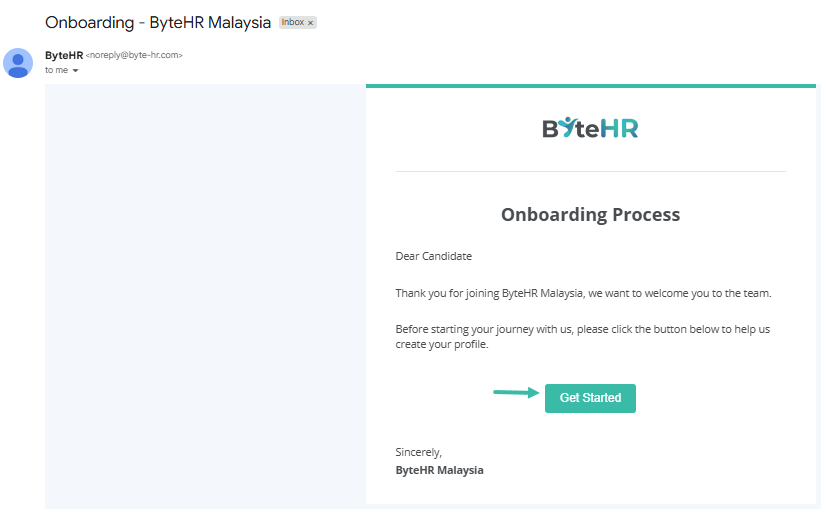
- Employees will receive an email with the subject "Onboarding"
-
Click Get Started in the email to open the form in your browser.
-
Complete all required fields marked with an asterisk (*).
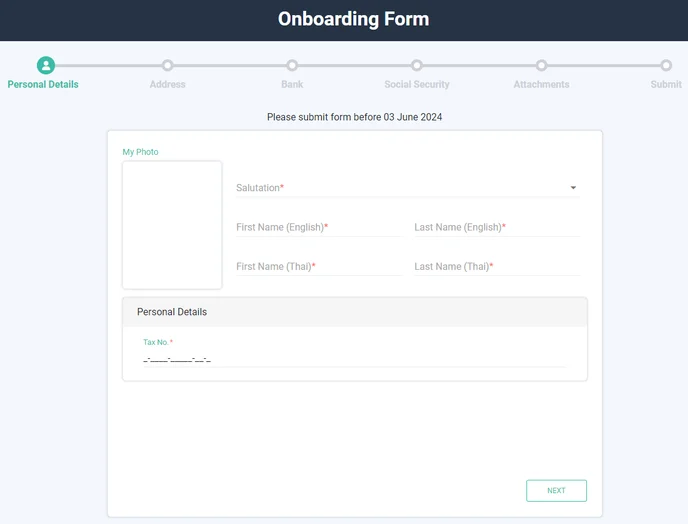
- Click Next to proceed to next section.
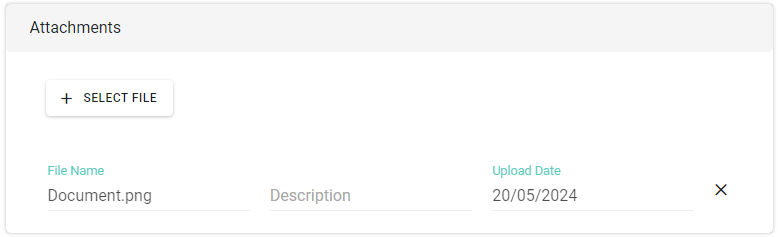
- File attachments :
- Maximum file size: o 7MB.
- No limit on the number of attachments.
-
Supported file types include Word, Excel, PDF, Zip, and image files.
- Before submitting, review the entered information for accuracy. Click Submit.
-
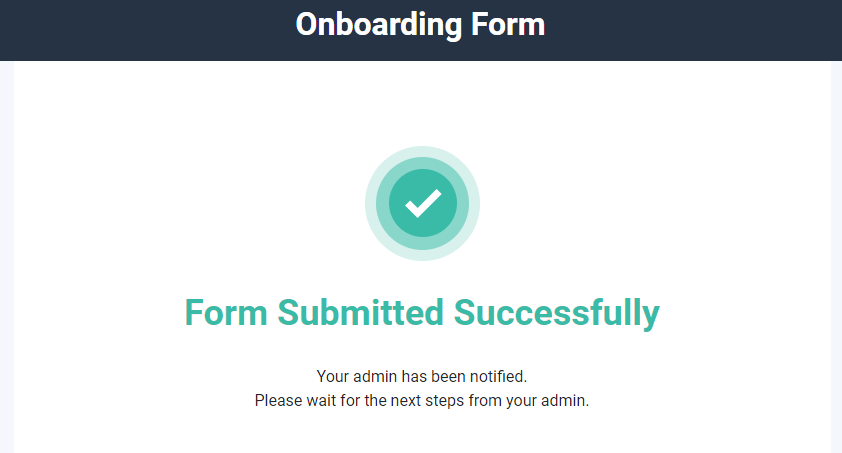
Upon successful submission, the system will display "Submission successful".
Employees will no longer be able to edit the submitted information.
⚠️ Caution
-
Employees must complete and submitthe Onboarding Form within 14 days of receiveing it.
The system will display the message "Please submit the form before [Date] Month Year YYYYY".
📃NOTE
Once the Onboarding Form is successfully submitted, the system will send an email notification to the admin who sent the form.
