
Editing Employee's Login Email
If an employee changes their email address, the Admin has to delete the employee's User Account, then edit the email address in the Employee Profile.
How to Update Email Address
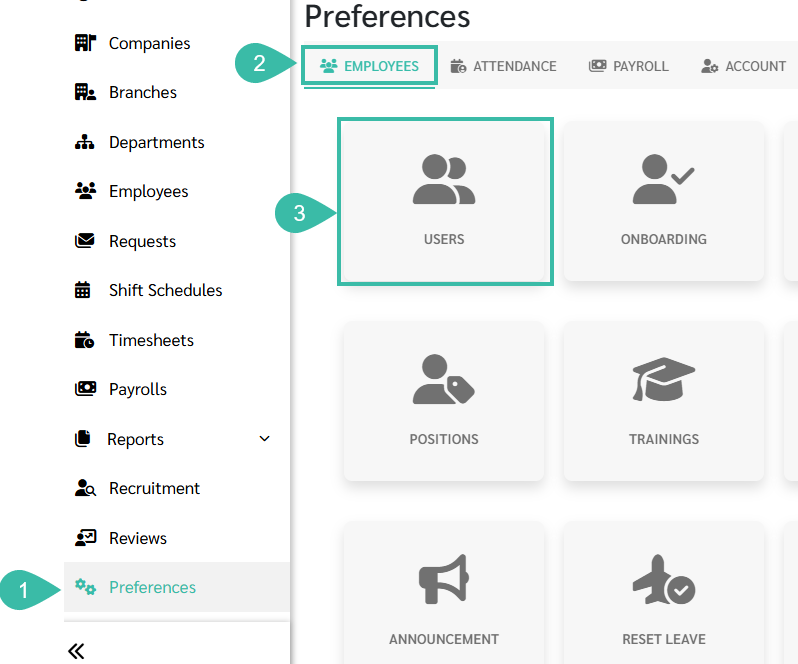
- Go to Preferences.
- Select Employees option..
-
Click Users.
- Locate the employee's User Account.
-
Click the Trash Icon to remove the User.

-
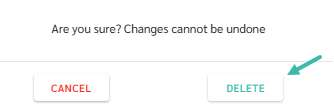
Click Delete to confirm.
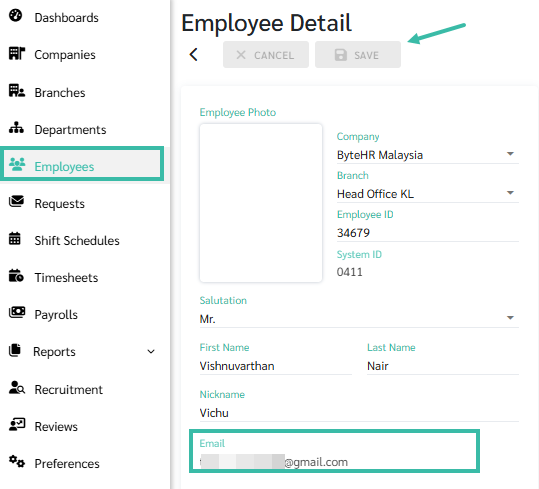
- Go to Employee Details page.
- Update the email address.
-
Click Save.
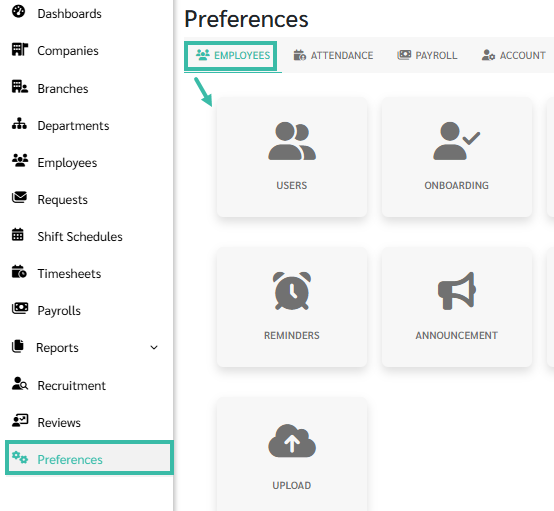
- Next, navigate to Preferences.
- Select Employees option.
-
Click Users.
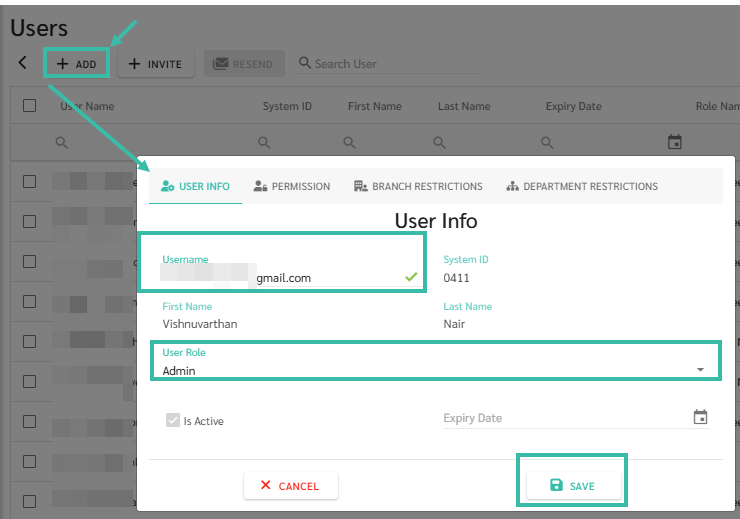
- Click + Add.
- Enter the employee's updated email address.
- Assign the appropriate Use Role.
-
Click Save.
🏷️ Case
If the employee does not receive the invitation, click the envelope icon to Resend the Invitation to the same user.
