Add/Delete Employees in Shift Schedule
🔍 Note
If the Swap Shift function is enabled with the Add-On, employees must be in the same shift schedule in order to be able to swap shifts.
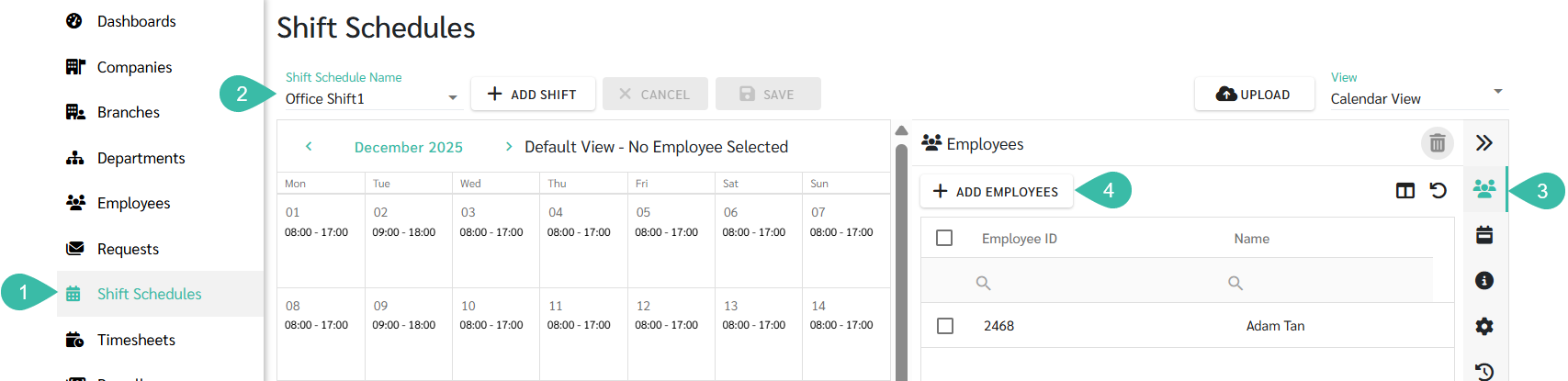
The steps to Add employees tp a Shift Schedule
- Click the Shift Schedules tab.
- Select the Shift Schedule Name.
- Click the Employees tab.
-
Click "+Add Employees".
-
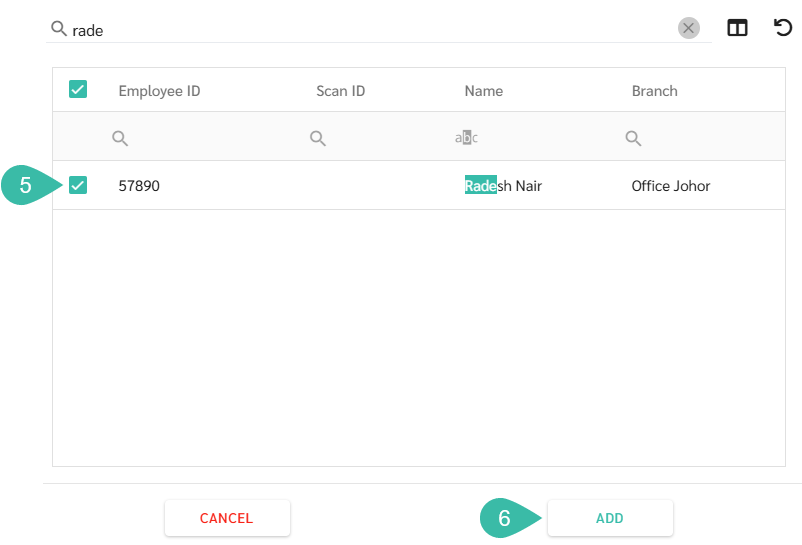
Check the box next to the employee's name you want to add to the shift schedule.
Note: The employee's employment contract must be open before you can add them to the Shift Schedule.
-
Click Add.
-
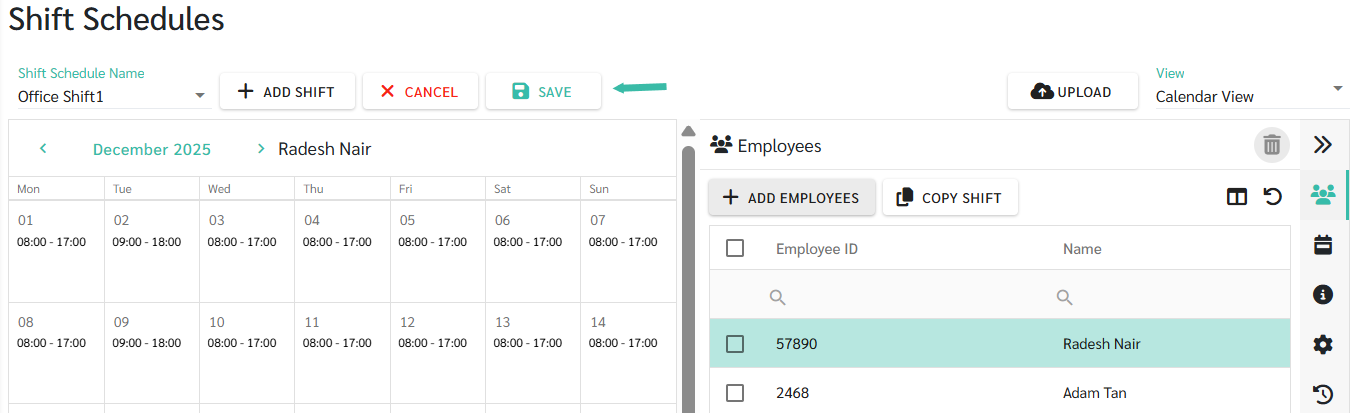
Once the employee list is displayed with the selected employees, click Save.
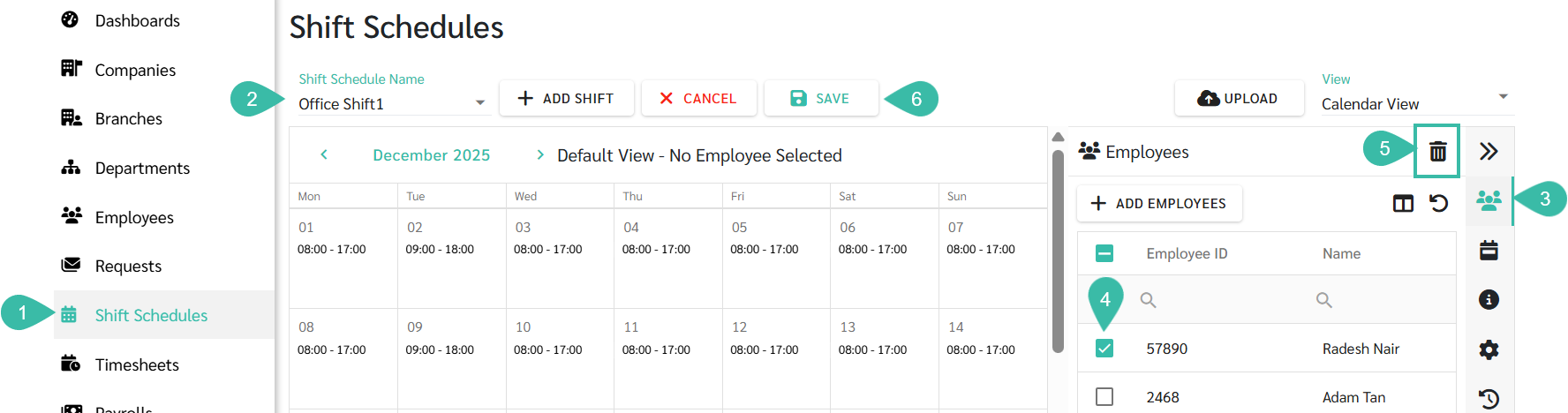
The steps to Remove an Employee from a Shift Schedule
- Click the Shift Schedules tab.
- Select the Shift Schedule Name.
- Click the Employees tab.
- Check the box next to the name of the employee you want to remove.
- Click the Delete button.
-
Once you have finished deleting the selected employees from the employee list, click Save.