
Calendar for Non-Shift Employee
For employees without an assigned Shift Schedule, the system will display the following information on the calendar:
- Weekly days off: Retrieved from the Default calendar setup.
- Public holidays: Retrieved from the Default calendar setup.
-
Leave days: Displayed based on approved employee Leave requests.
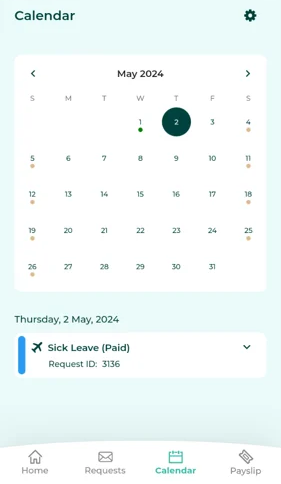
Managers can view the Calendar of their subordinate by following these steps:
-
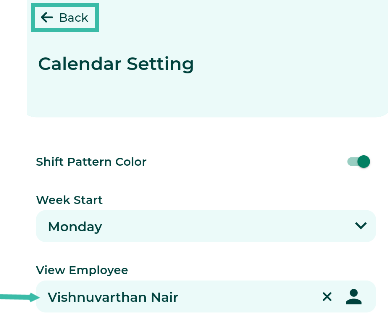
Click the gear Icon (Settings).

-
Select the employee's name and click Back.
-
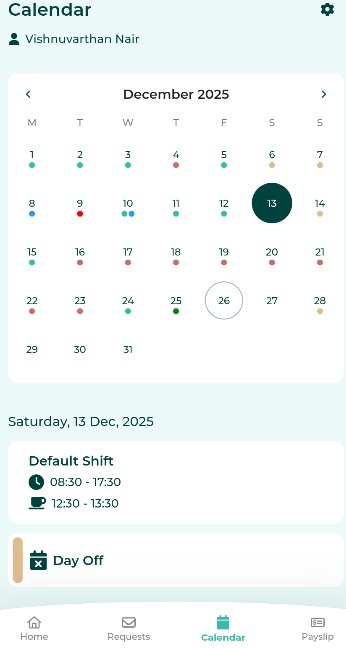
The system will display the selected employee's calendar.

📃Note
- Employees without an assigned shift schedules can connect to Google Calendar.
- Read about syncing employee Calendar data with Google Calendar Add-On at this link.