Mobile App Privacy Settings to Hide Birthday
Employees can choose to hide their birthday from being visible to other colleagues in the mobile app.
To Hide your Birthday in the Mobile App, follow the steps below:
- From the home page, click the three-line menu at the top-left corner of the screen.
- Select Settings.
-
Under the Privacy section, select the Account tab. Toggle Hide Birthday to enable or disable the setting.

-
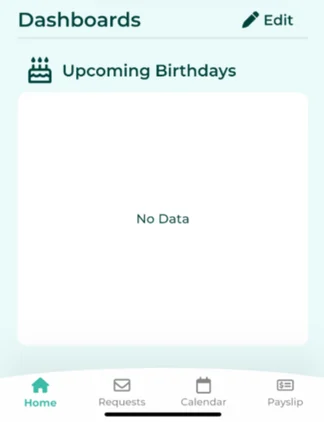
Once Hide Birthday is enabled, the employee's name will no longer appear in the Upcoming Birthdays dashboard.