
Employee View Requests on Mobile App
Employees can view the Requests they have submitted on Mobile App as follows:
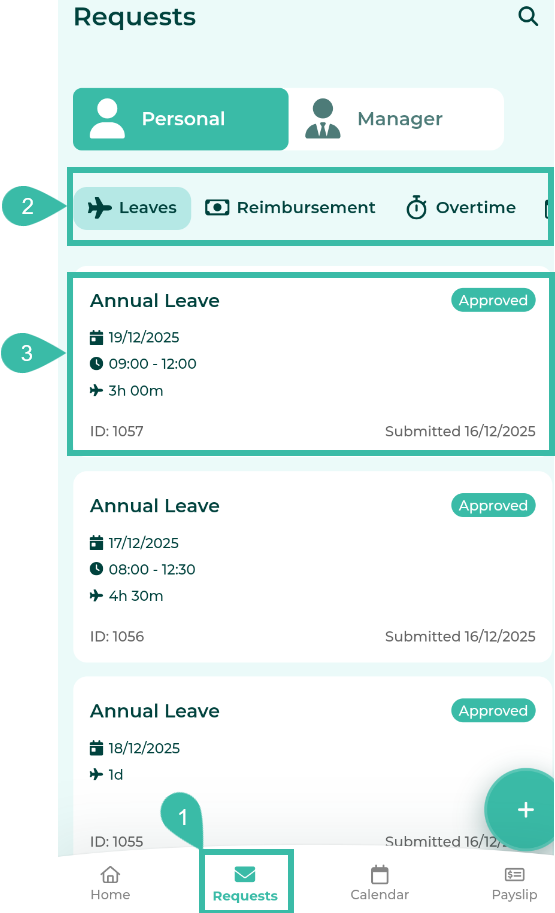
- Tap Requests tab.
- Select the Request type you want to view (e.g. Leave, Reimbursement, Overtime, Attendance).
-
Tap on the submitted request to view details.
-
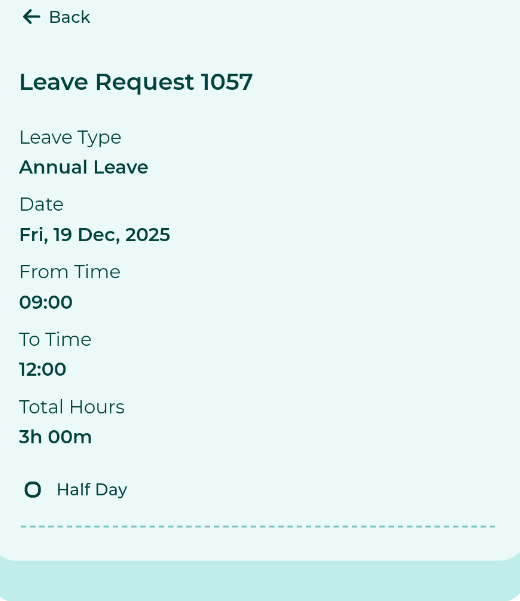
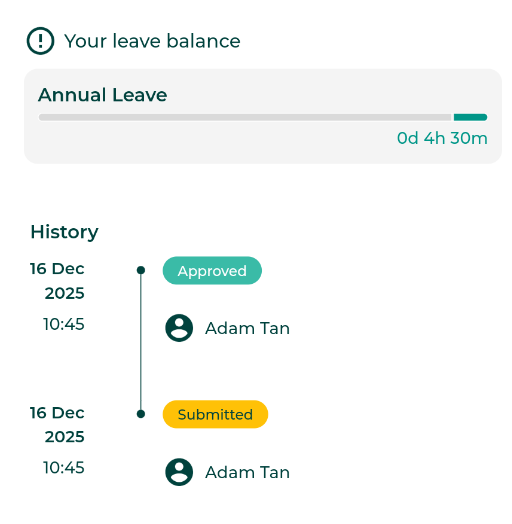
Employees can view request details by clicking on the submitted request. They can also view the request approval history and remarks by scrolling down to the bottom of the request detail page.
- For requests that have not yet been approved, employees are able to cancel the Request.
