Granting Permission to Access the Android Camera and Location
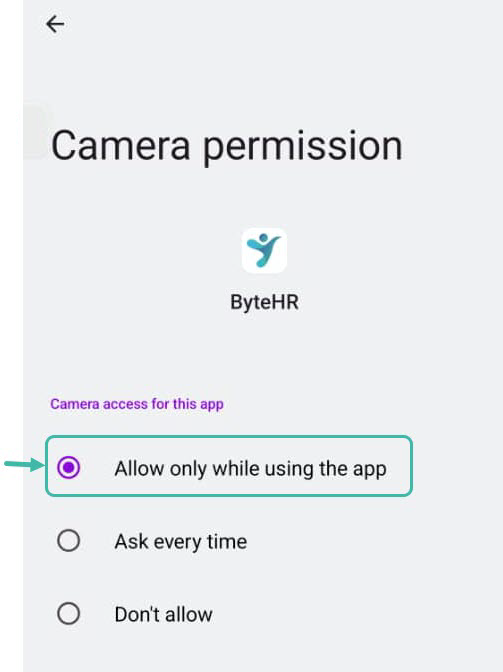
Open Mobile Settings -> App Management -> Type ByteHR -> Select Permissions -> Allow only while using the app.
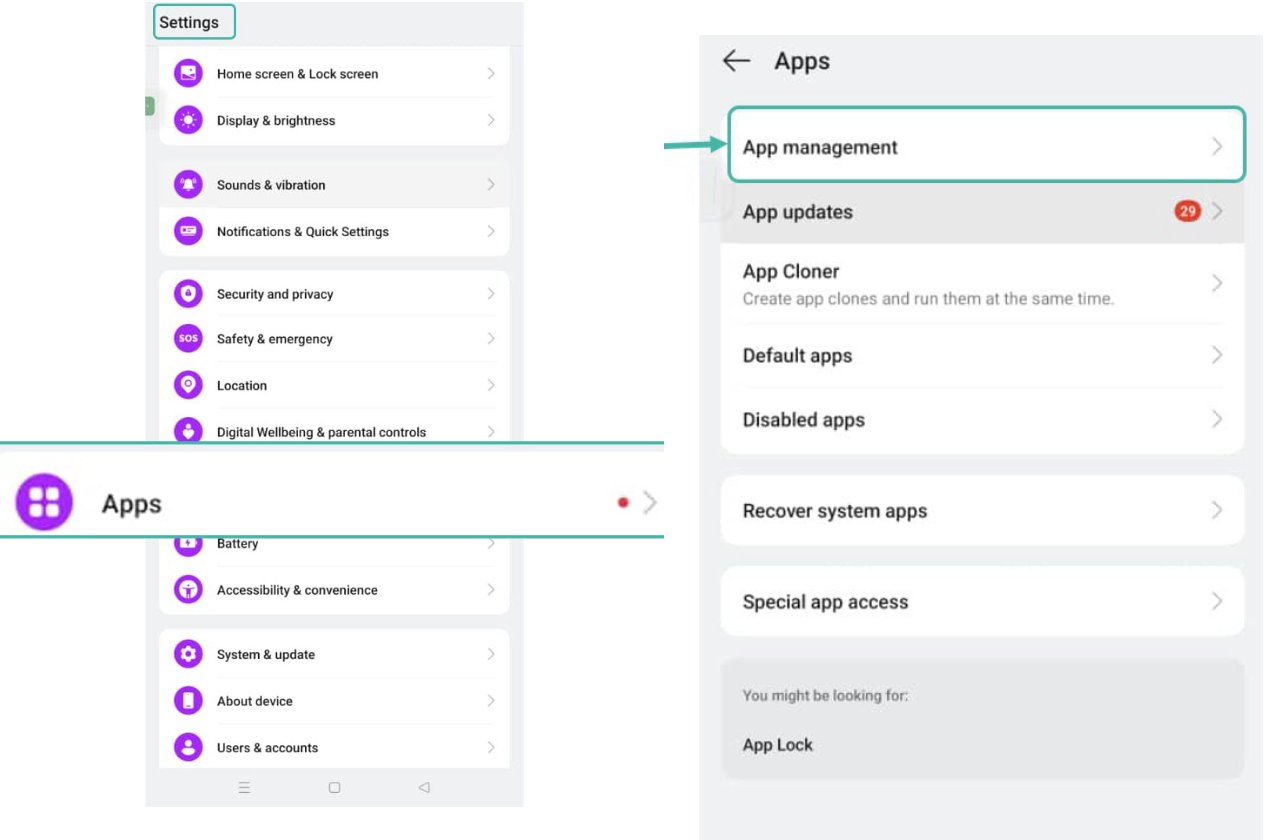
- Open the Mobile Settings.
-
Select App, then click "App Management".
-
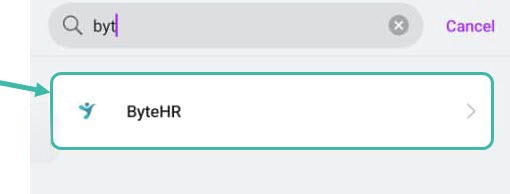
Type ByteHR in the search field.
-
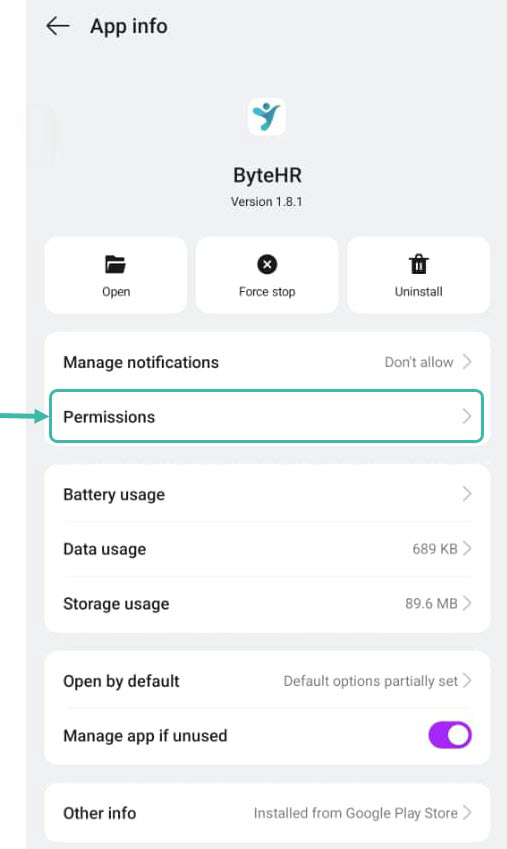
Click "Permissions".
-
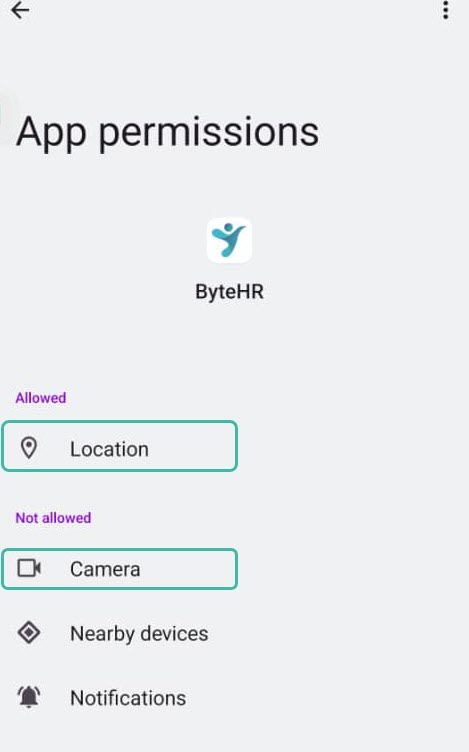
Select Location, Camera, individually.
-
Then, select "Allow only while using the app" option.