Upload Reimbursements
Upload Reimbursements by following the steps below:
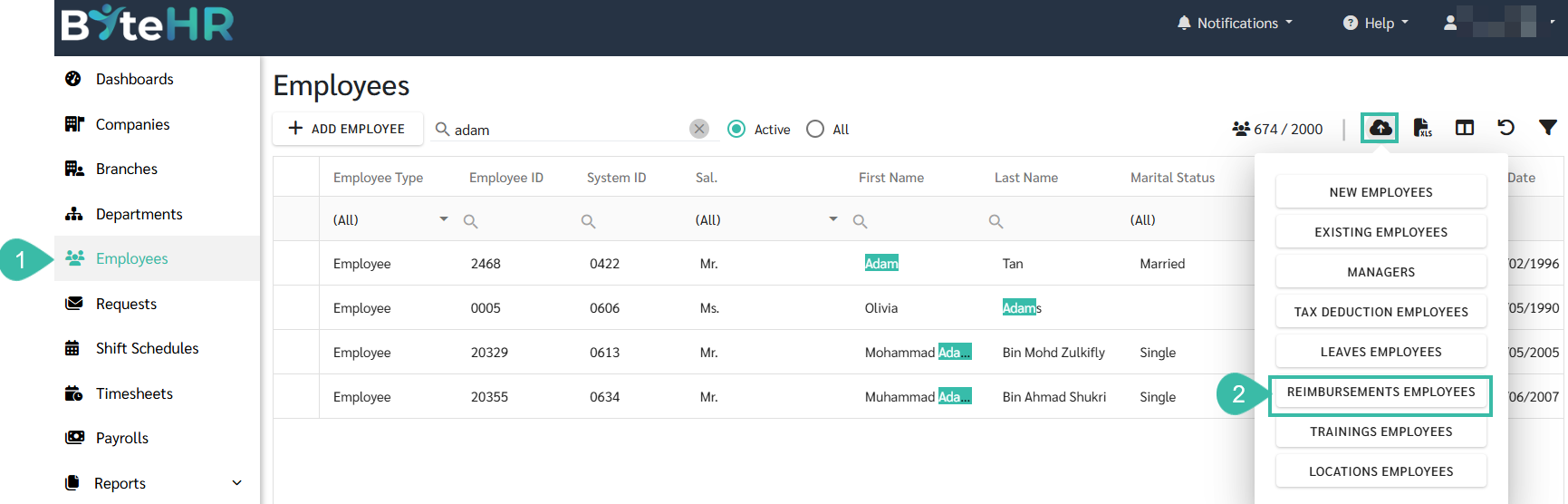
- Navigate to Employees.
-
From the Upload Employees dropdown, select Reimbursements Employee.
-
Download the template.

- Fill in the Reimbursement template.
- Employee ID: Enter the Employee ID of the employee who will be assigned the reimbursement.
- Reimbursement Name: Enter the reimbursement name configured under Preferences > Payments, with Submit Request enabled.
-
Max Amount: Enter the maximum reimbursement amount per period configured for the reimbursement type.

- Return to the Upload Reimbursements page and select the Company.
-
Click Next.

-
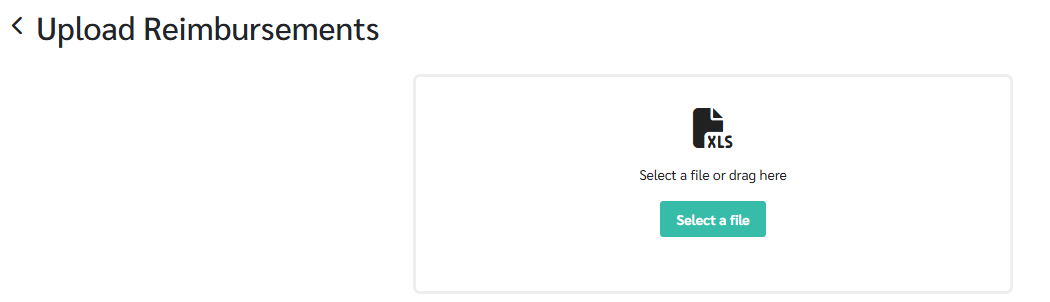
Select the completed reimbursement template to upload.
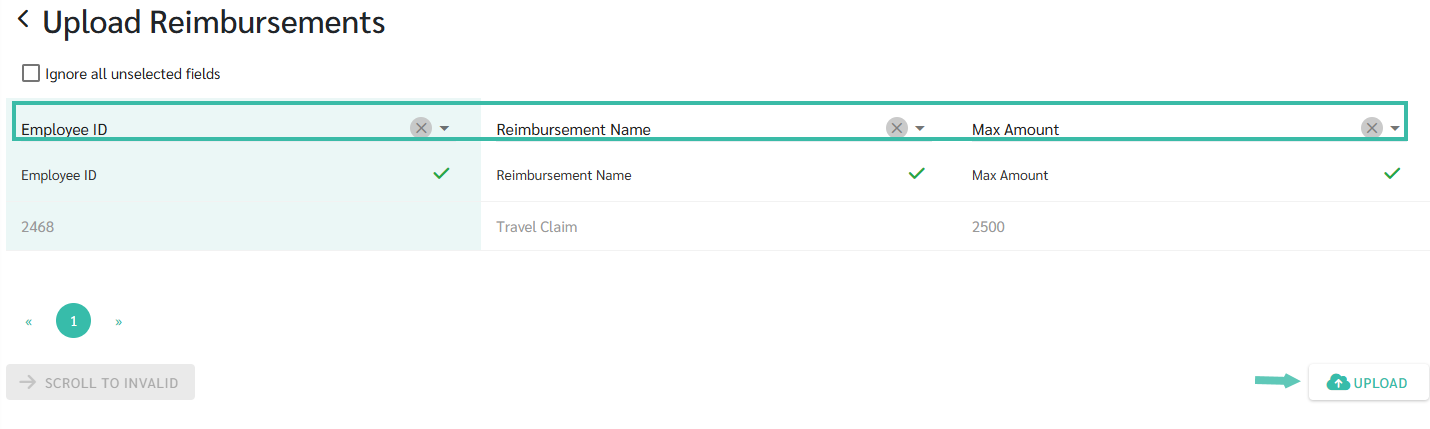
- Match each column in the uploaded file to the corresponding system field.
-
Click Upload.
-
Once the upload is successful, the system displays the message: "Import data successfully."

-
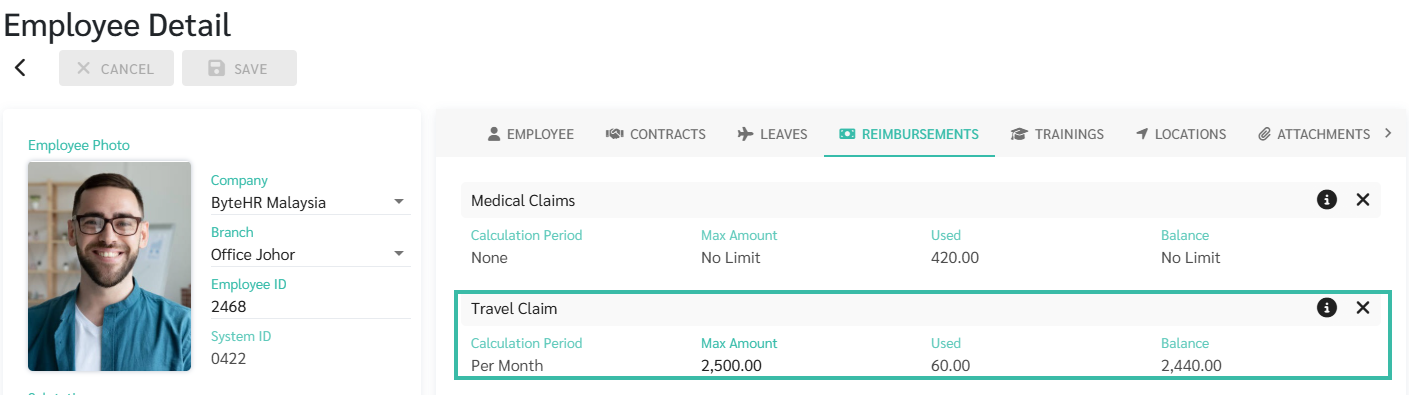
The uploaded reimbursements will appear in the employee's profile under the Reimbursements tab.