Overtime for Flexible Shift
For flexible shift schedules, overtime will only begin counting after the employee has completed their daily working hours. If an employee has not yet completed the required daily hours, it will not be counted as overtime.
-
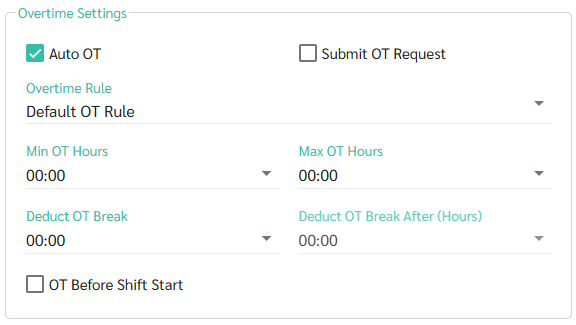
Case 1: Auto OT is enabled in the Shift Schedule
when an employee clocks in or out exceeding the defined Shift Hours/Day configured in Shift Schedule, the system will display it as Overtime Hours in the timesheet.
-
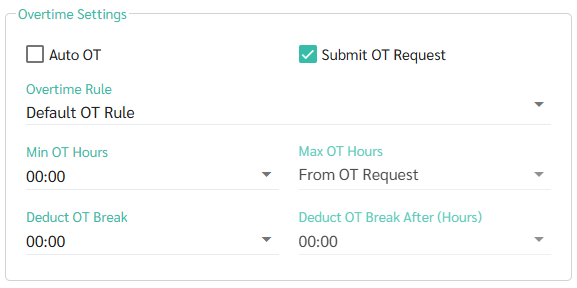
Case 2: Submit Request is enabled in the Shift Schedule
When an employee clocks in or out exceeding the defined Shift Hours/Day, the system displays it as Extra Work Hours in the Timesheet. Once the Overtime request is submitted and approved, the system will convert the extra hours into overtime hours.