
Training Report
The training report displays information on various training sessions for employees, including the training name, training type, training status, and training time. The admin can view the training report as follows:
How to Retrieve Training reports.
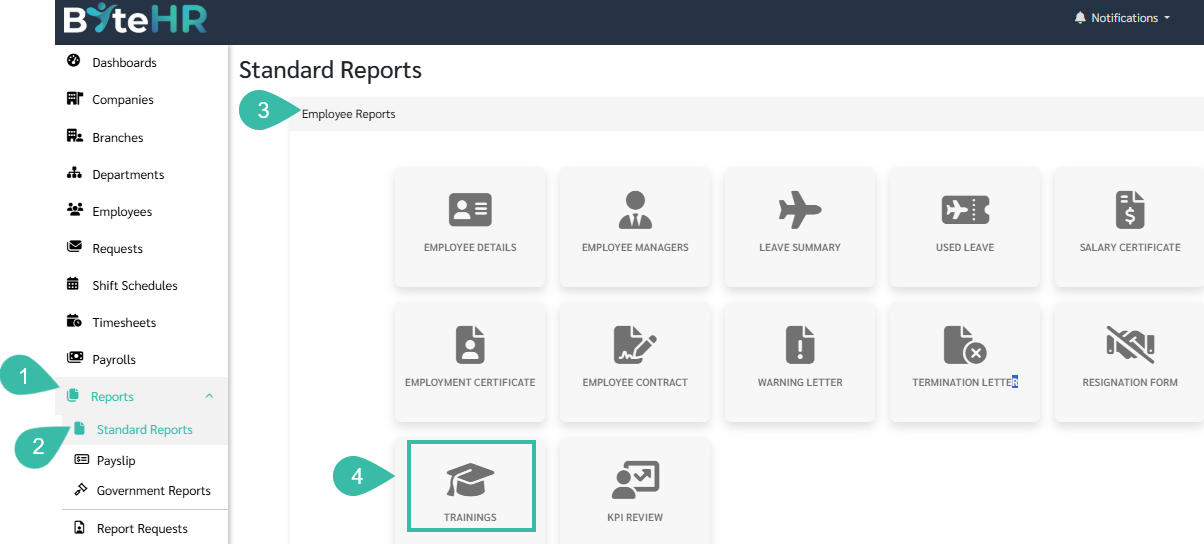
- Go to Reports.
- Go to the Standard Reports tab.
- Go to Employee Reports.
-
Click Trainings.
-
Select the desired Company, Branch, Department, Position, Employee Name, and Trainings Name.
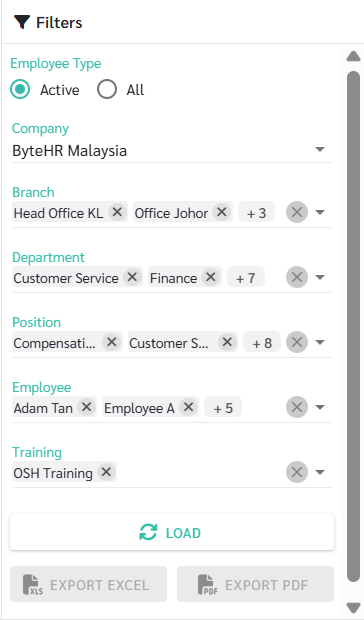
- Additional settings to filter the data:
-
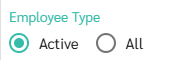
To display only current employee data in the report, click "Active".
-
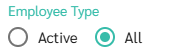
To display information for both current and resigned employees in the report, click "All".
-
To select a custom field or other fields to display in the report click the below icon:

-
To reset the report layout. click the below icon:

-
To export the report in Excel and PDF file formats, click the below icon:

-
To hide the filter bar when viewing the report in a wider view, click the arrow icon:
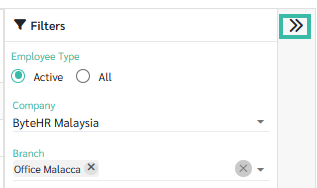
-
To display the filter bar to filter the data further or download the report, click the arrow icon:

-


