Fixed Payments
Recurring Payments (Allowances) can be added to an employee under their Employee Details -> Contracts.
How to Add Fixed Payments to an Employees
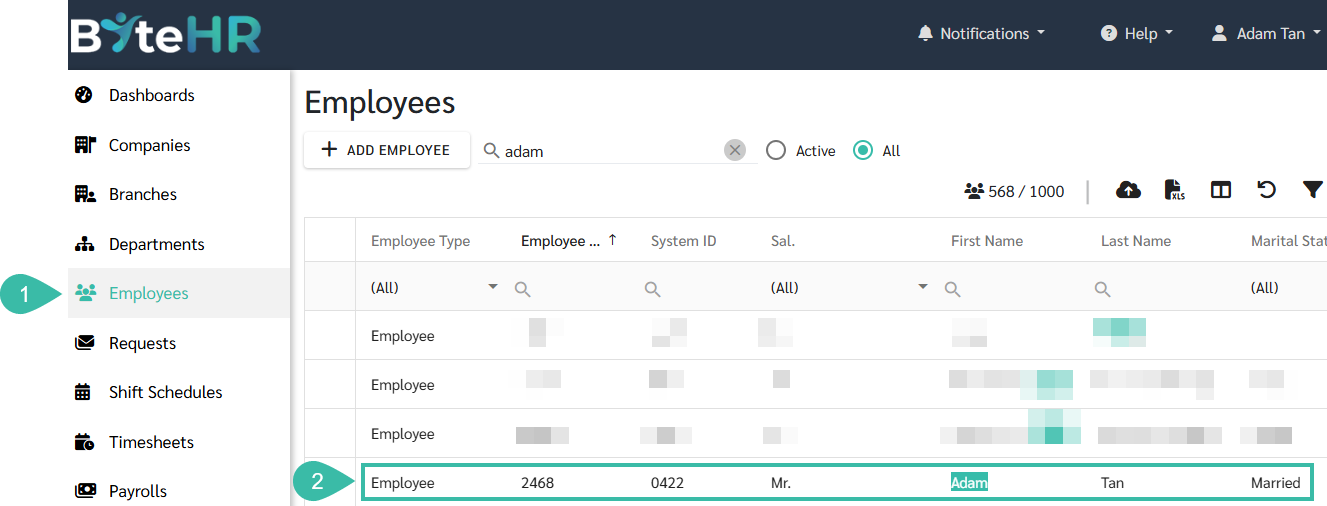
- Navigate to the Employees tab.
-
Select the Employee you wish too add the Fixed Payments/Allowance.
-
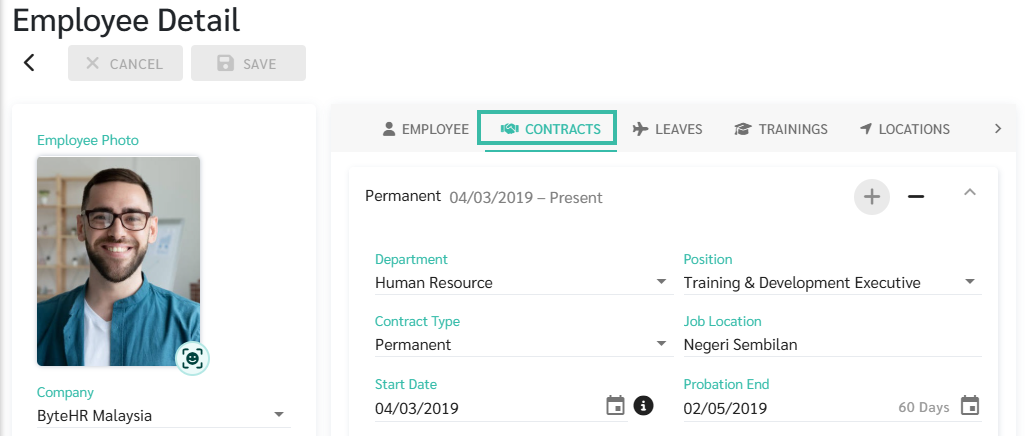
In the Employee Detail page, click on Contracts.
-
Scroll down to Payments and Deductions.
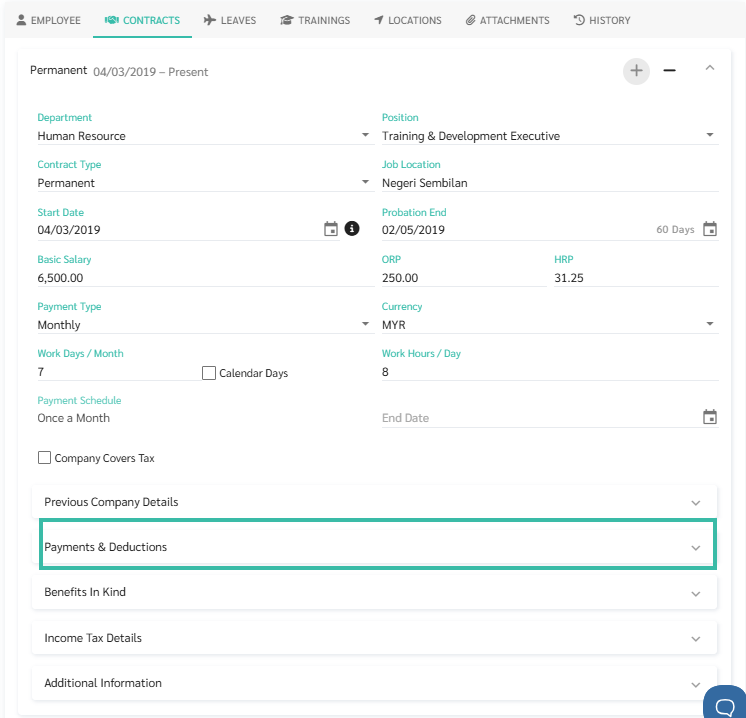
- Click the dropdown (arrow icon) to select the Payment Type.
-
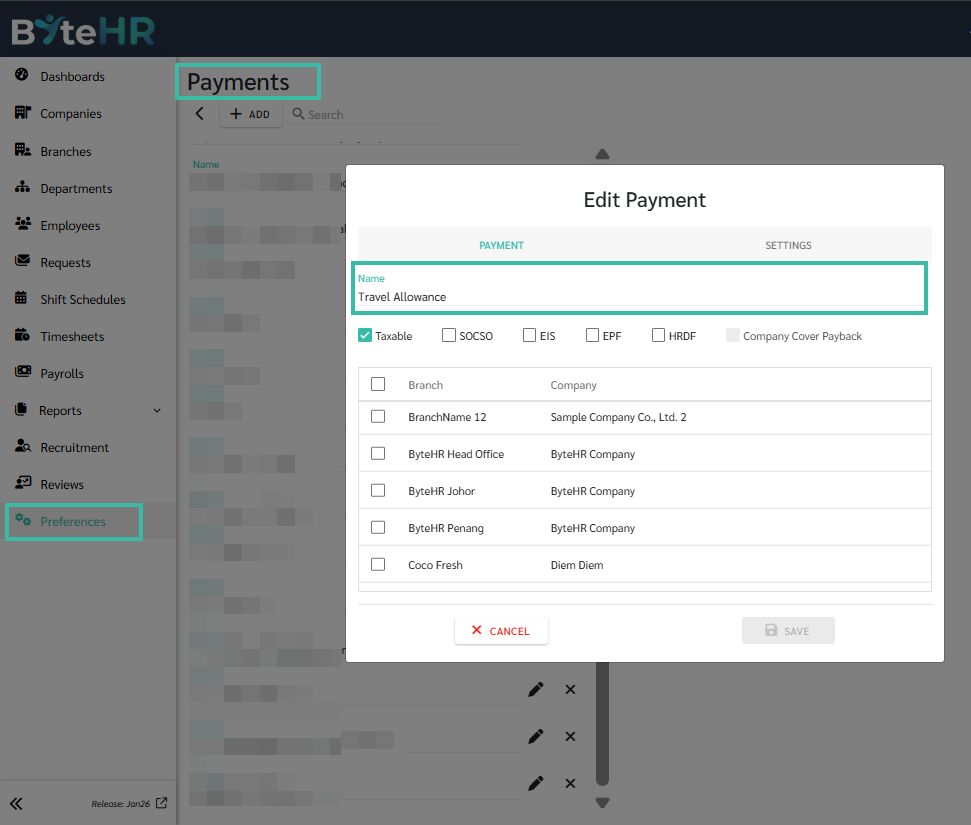
Ensure the Payment Type has been created under Preferences -> Payroll -> Payments.
-
-
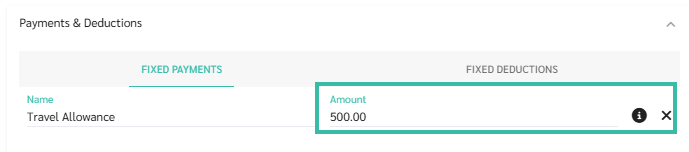
Enter the amount for the Fixed Payment.
-
Once completed, click Save.