How to View Employee Notification Details - Employees
How to view employee notifications:
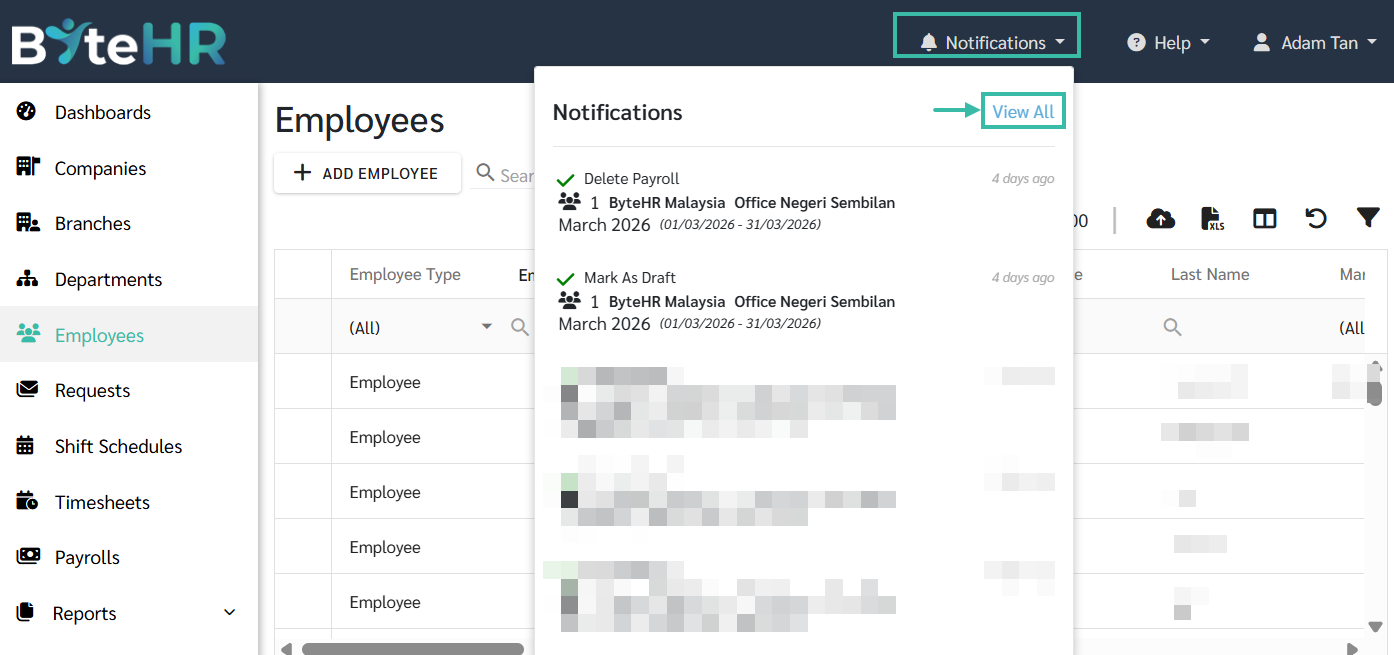
- In Admin view, navigate to Notification section located at the top right corner of the screen.
-
Click Notifications, to view all the notification select click "View All."
-
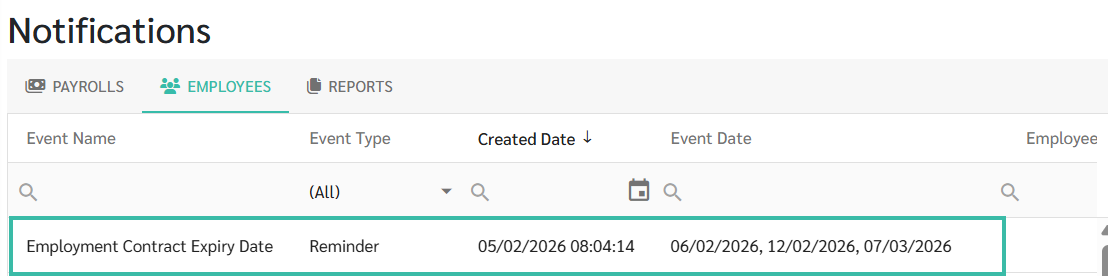
Go to Employees tab to view employee related notifications like probationary end dates or employee birthdays.

Notifications will be displayed based on the settings configured under Preferences -> Reminders.
-
Click on a specific notification row to view the list of employees associated with it.
-
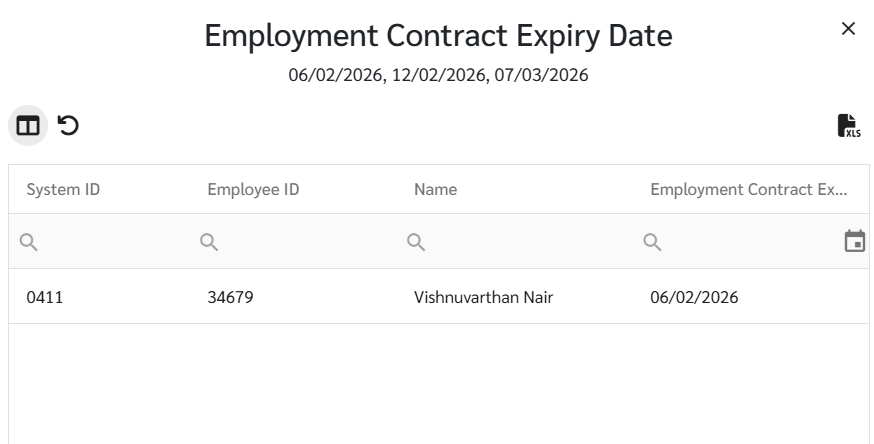
Click on an employee's name to access their Employee profile details.
-
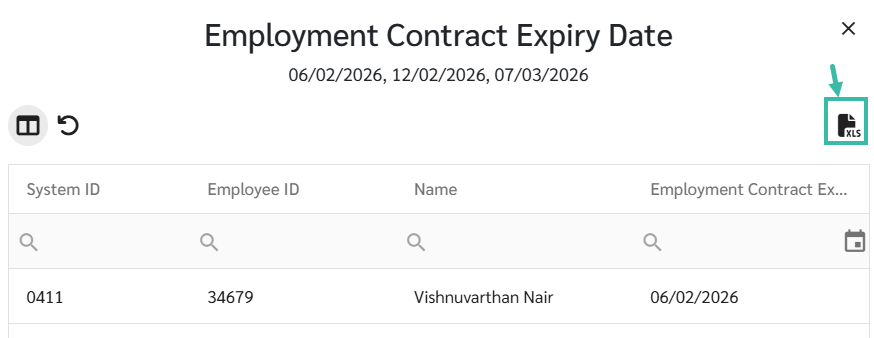
To download the notification details, click Export to generate on Excel File.