
Add Department
Adding a Department in the System can be done as follows:
- Go to Departments.
-
Click + Add Department.

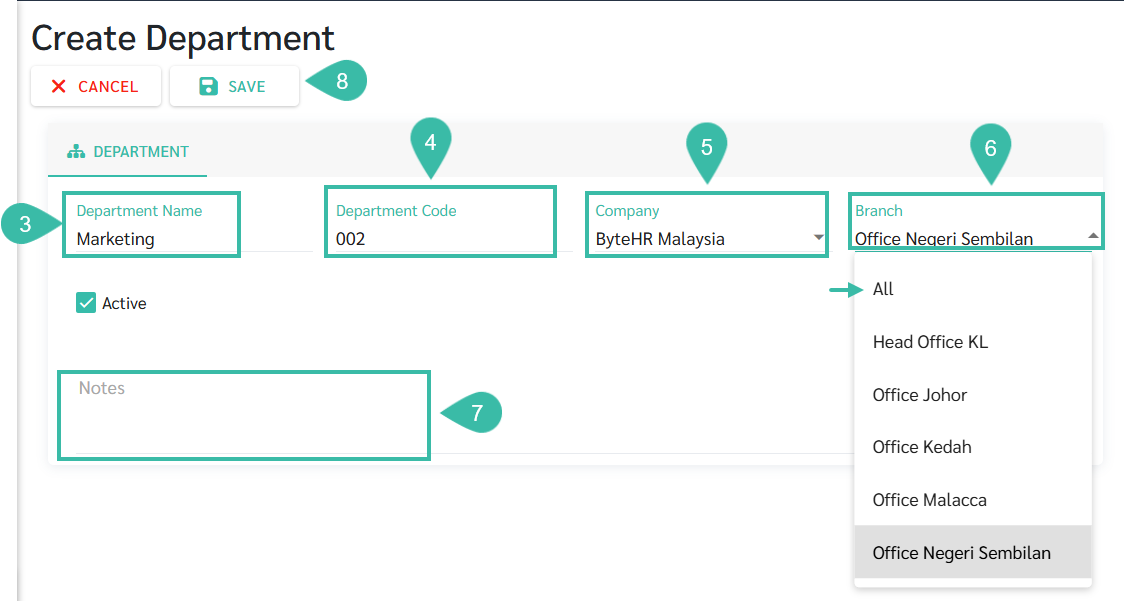
- Enter the Department Name. The maximum character is 200.
- Enter the Department Code. ***Optional***
- Select Company.
- Select Branch. If you want to add the same department to all branches, select All.
- Add a Note. ***Optional***
-
Click Save.
-
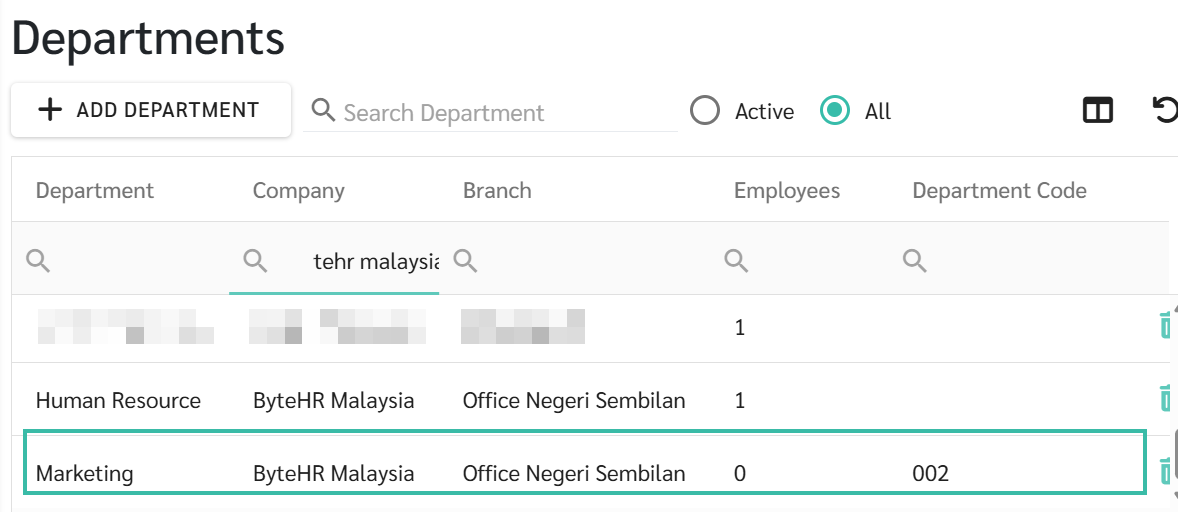
To edit the information, you can click on the department name you want to edit in the table on the department menu page.
-
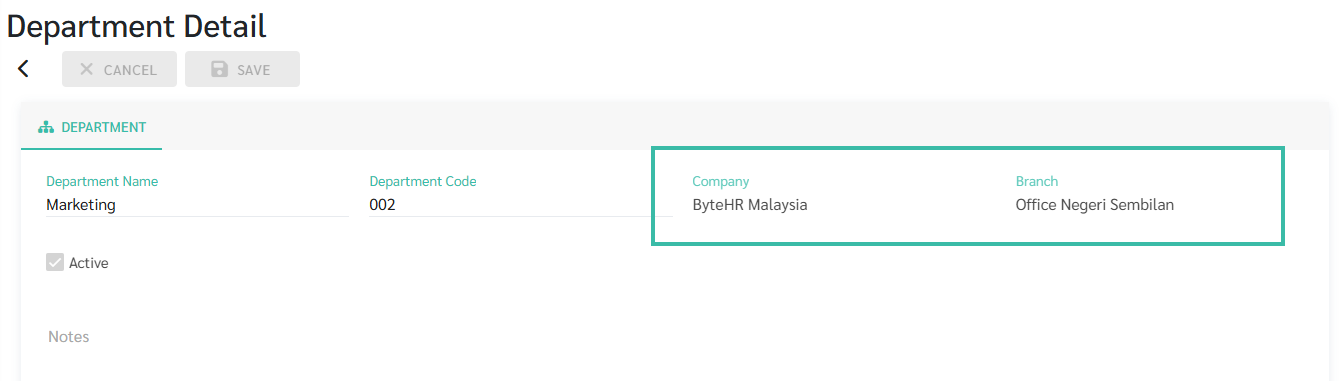
Once a department has been added and employees has been assigned to the department, you cannot edit the Company and Branch of that department.
-
