
Set Notifications in the Web App
Email Notification settings
-
Access the system through Employee View. Select Settings.

-
Click Notification.
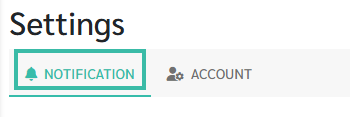
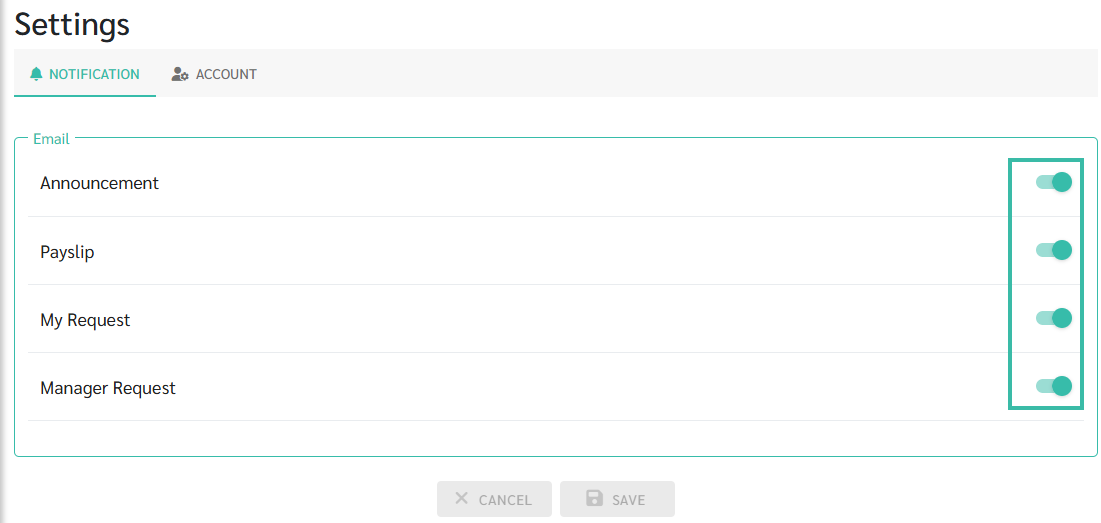
- You can turn notifications on or off in the Email section.
-
By default, notifications are set to "On" (green).
-
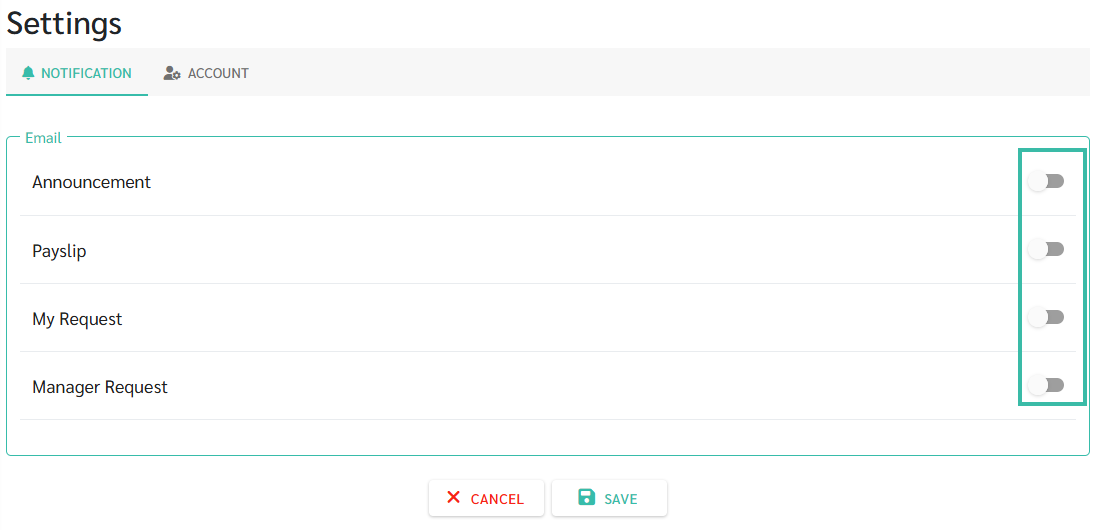
To turn notifications off, click the on/off bar to change it to "Off" (Grey).
-
