
Settings for Showing/Hiding Employee Nicknames
How to set up Showing/Hiding Employee Nicknames:
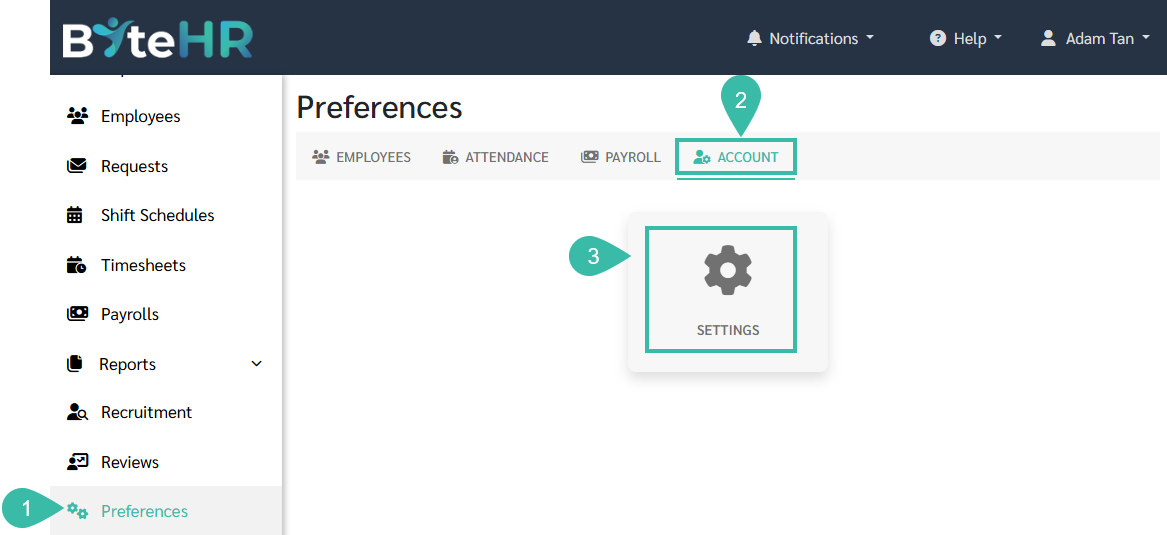
- Go to the Preferences tab.
- Select Account.
-
Click Settings.
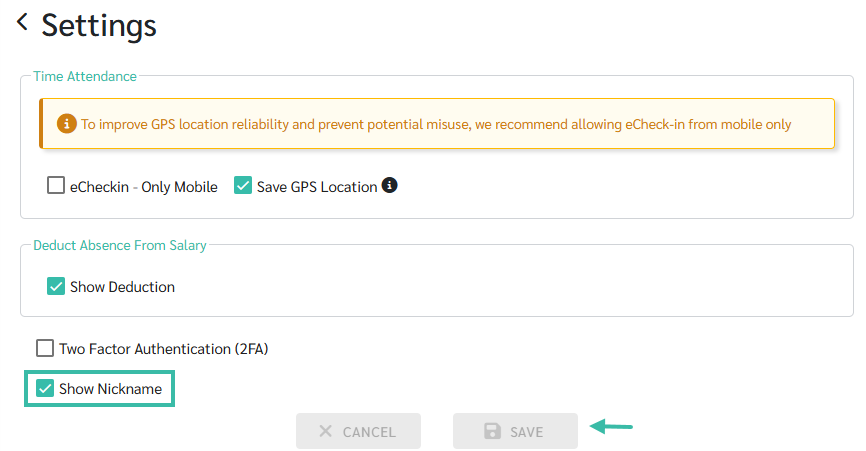
- To hide employee nicknames, uncheck the Show Nickname box.
-
Click Save.
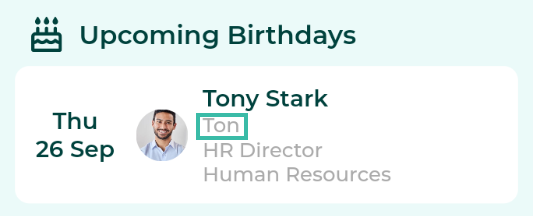
- Example:
-
Show nickname
-
Hide nickname

-
