
How to View Payroll Notification Details
🔍 Note:
The ByteHR notifications page displays the payroll history and edits to payroll blocks, as well as the payroll status.
Notifications in ByteHR can be viewed by:
1. Clicking Notifications at the top menu bar and then click View All.

💬 Note:
To rearrange columns, you can click and drag the column headers.

Meaning of columns on the Payroll Notifications page:
-
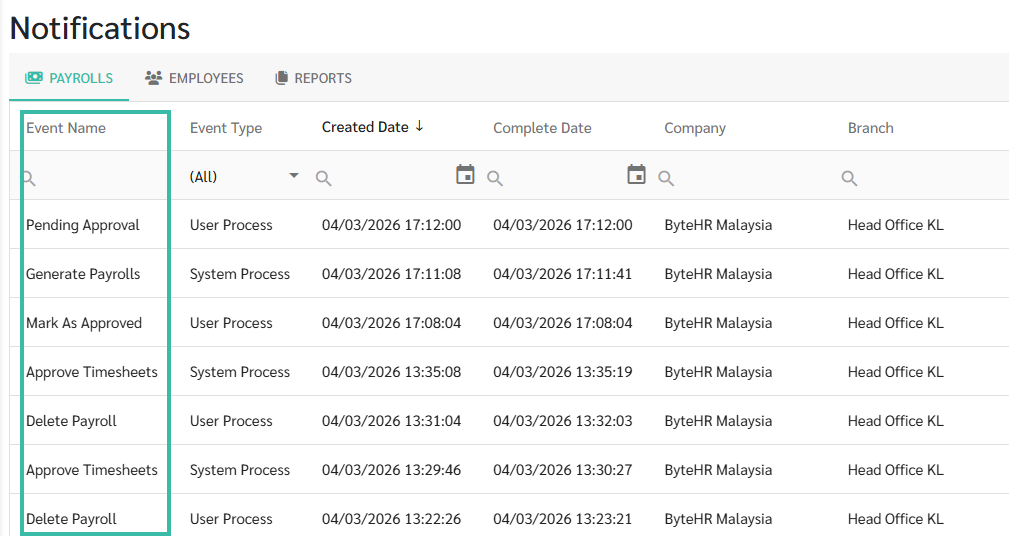
Event Name
There are six Event Names for payroll notifications:
- Generate Payrolls: Clicking the New Payroll button on the Payroll page.
- Approve Timesheets: Approving timesheets on the Timesheets page.
- Delete Payroll: Clicking Delete Payroll for each payroll block.
- Mark As Draft: Clicking Mark As Draft for each payroll block.
- Mark As Approved: Clicking Mark As Approved.
-
Notify Payslip: Clicking "Notify Payslip"
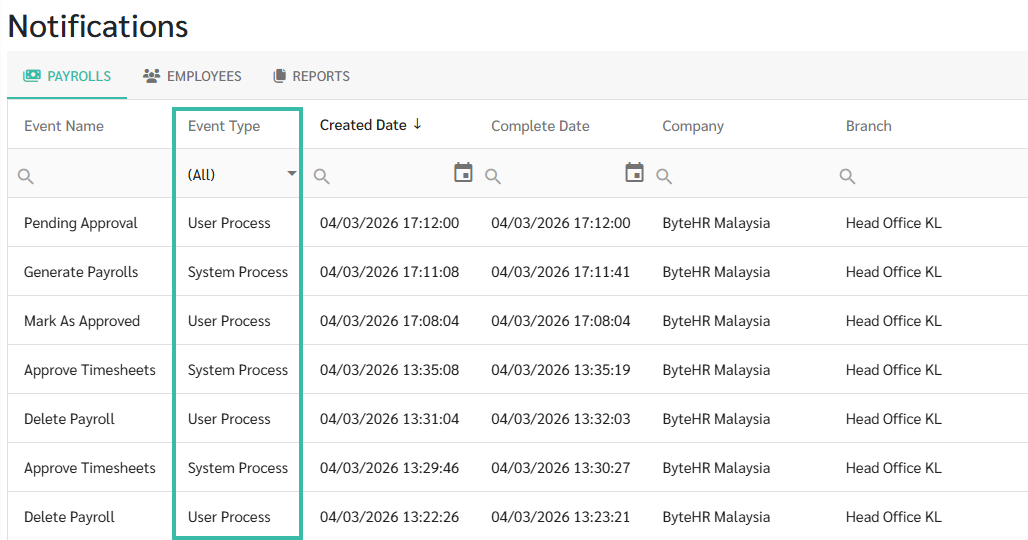
- Each payroll block displays the following Event Types:
- System Process: Payroll calculations via the system, including the following event names
- Generate Payroll
- Approve Timesheets
- User Process: Actions performed by the user, including the following event names
- Delete Payroll
- Mark As Draft
- Mark As Approved
-
Notify Payslip
- System Process: Payroll calculations via the system, including the following event names
-
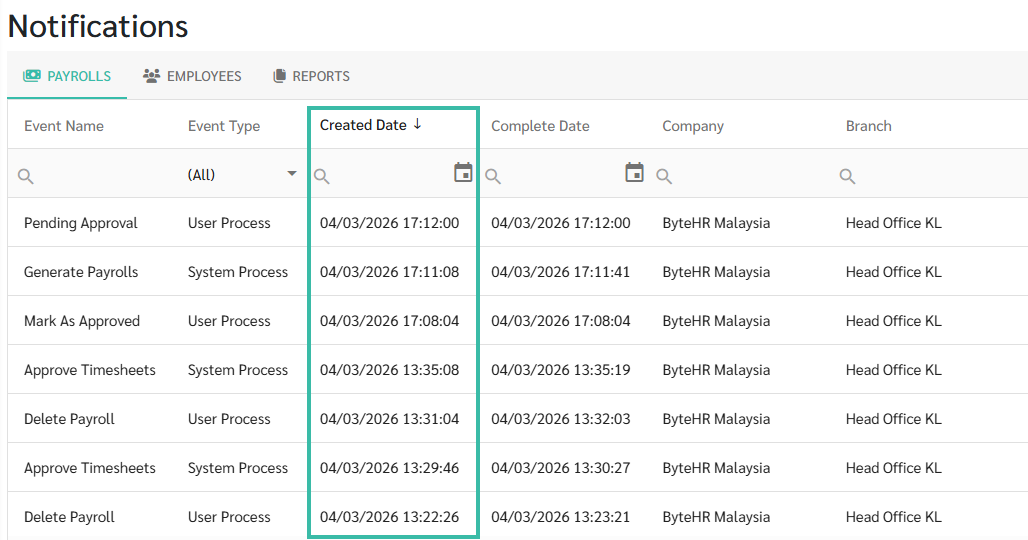
Created Date: Displays the date and time the action was performed. Created dates are sorted from newest to oldest.
-
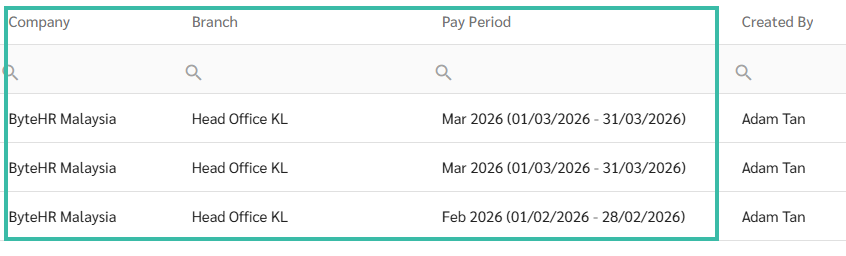
Company, Branches, Pay Period: Displays the company name, branch name, and pay period for each payroll block.
-
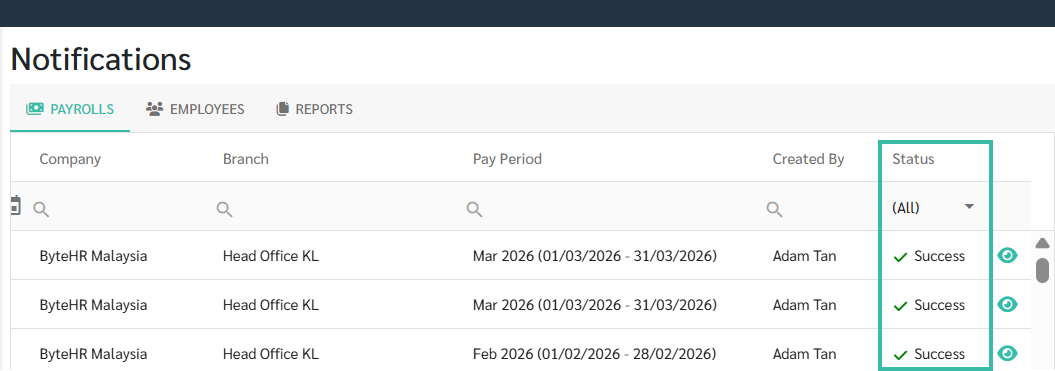
Status: There are three statuses for payroll notifications:
-
In Progress: The system is processing.

-
Success

-
Failed: Hover over the icon to view the error message.

Click eye icon to go to that payroll block.
If the payroll block has been deleted, the icon will not appear in that row.

-


🏷️ Case
To view the history of your payroll uploads or other income uploads,
please see the History tab on the Upload Payments page.